Quick Hacks for Better Instagram Post Timing
By Nuno AI Team · Updated · 4 min read
You already know content quality matters but timing is the multiplier that turns a good post into a breakout post. The best time to post on Instagram isn’t a single magic minute; it’s the intersection of when your followers scroll, the post format (Reel vs carousel vs image), and how quickly your post picks up engagement. This guide gives simple, testable timing windows, a 14-day experiment you can run, and practical ways to automate timing using Nuno AI for multi-account teams and busy business owners.
Why timing matters on Instagram
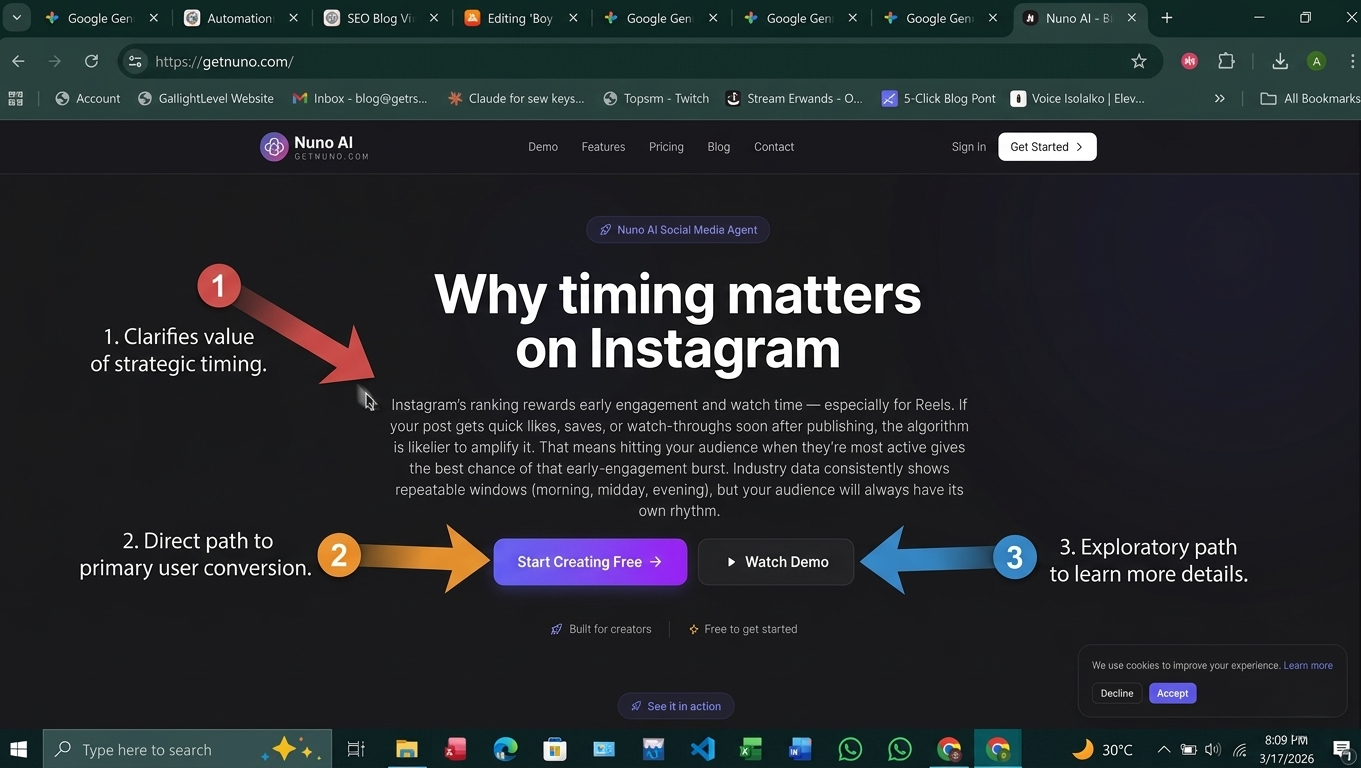
Instagram’s ranking rewards early engagement and watch time especially for Reels. If your post gets quick likes, saves, or watch-throughs soon after publishing, the algorithm is likelier to amplify it. That means hitting your audience when they’re most active gives the best chance of that early-engagement burst. Industry data consistently shows repeatable windows (morning, midday, evening), but your audience will always have its own rhythm.
Engagement windows vs. one-size-fits-all studies
Large studies (Sprout Social, HubSpot, and others) find common high-engagement blocks but they disagree on exact hours because audiences differ by region and niche. Use published windows as a starting hypothesis, not gospel.
Format-specific timing: Reels vs carousels vs posts
Reels often get stronger evening watch time because users are relaxed and consuming longer clips; quick images and carousels can perform well at midday when people browse during breaks. A good test separates formats when testing timing.
The three timing windows (simple test you can run in 14 days)
Below are three shallow-but-effective windows that cover most audiences. Use them as your testing blocks.
Morning window (5–9 AM) — the “first-phone” advantage
Benefits: Low competition, high early-opener rates for commuters and early risers. Good for motivational quotes, quick tips, and short Reels.
Midday window (11 AM–1 PM) — lunchtime hits
Benefits: People scroll during lunch; short carousels and how-tos do well. Many studies flag midday as a general sweet spot.
Evening window (6–9 PM) — highest watch time
Benefits: Prime time for longer attention and Reels. If your audience is global, this window often captures multiple time zones.
How to test and find your best time to post on Instagram (step-by-step)
Follow this reproducible 14-day experiment:
Pick 3 posting windows (morning, midday, evening).
For 14 days, publish the same type of content at each window on different days (keep format consistent per test).
Monitor: reach, impressions, saves, shares, average watch time (for Reels).
Compare 14-day averages and repeat for a different content format (carousel vs Reel).
Lock in top two windows and run micro-tests (vary caption length, first 3 seconds for Reels).
Use Instagram Insights to pull follower activity graphs — they show hour-by-hour when followers are online (native and most reliable).
**
Tools that make timing painless (quick comparison)**
Native scheduler: Meta Business Suite
Pros: Free, reliable auto-publish for many business accounts. Cons: UX is basic compared to third-party planners. See docs for exact support by post type.
Third-party apps (great for automation & analysis)
Buffer — simple scheduling + analytics.
Hootsuite — team workflows, robust queues.
Later — excellent visual grid and suggested times.
Each tool differs on Reels auto-publish and multi-account features always check current docs before assuming a feature.
Why choose Nuno AI to schedule instagram videos and posts
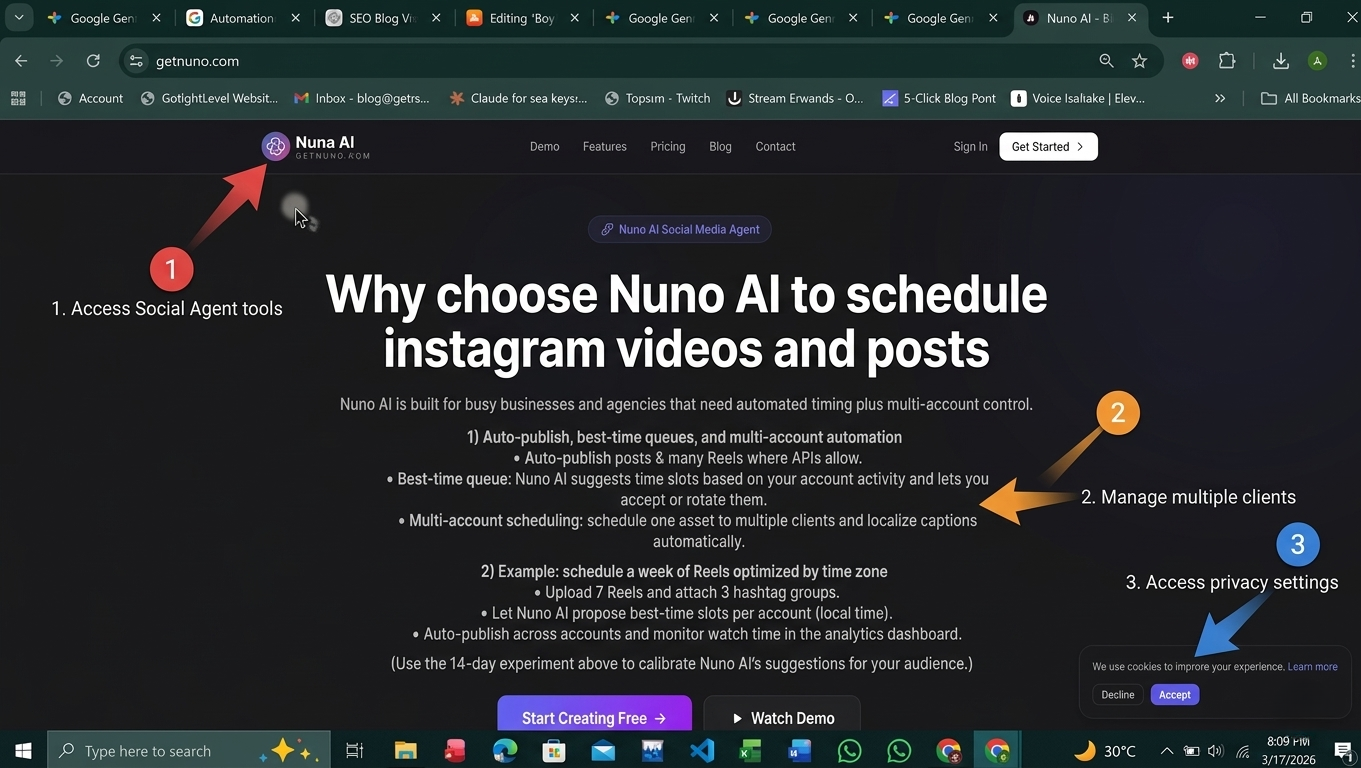
Nuno AI is built for busy businesses and agencies that need automated timing plus multi-account control.
Auto-publish, best-time queues, and multi-account automation
Auto-publish posts & many Reels where APIs allow.
Best-time queue: Nuno AI suggests time slots based on your account activity and lets you accept or rotate them.
Multi-account scheduling: schedule one asset to multiple clients and localize captions automatically.
Example: schedule a week of Reels optimized by time zone
Upload 7 Reels and attach 3 hashtag groups.
Let Nuno AI propose best-time slots per account (local time).
Auto-publish across accounts and monitor watch time in the analytics dashboard.
(Use the 14-day experiment above to calibrate Nuno AI’s suggestions for your audience.)
Quick checklist: schedule posts like a pro
Use the 3-window test (morning, midday, evening).
Test each format separately (Reel vs carousel vs image).
Rely on Instagram Insights + 14-day split tests to pick winners.
If you need hands-off publishing, choose a scheduler with true auto-publish and best-time queues.
Always preview mobile crop and captions before scheduling.
Conclusion :
Timing turns good content into great reach. Start with the three simple windows, run the 14-day test, and use a scheduler to automate your winners. If you manage multiple accounts or want best-time automation, try Nuno AI to schedule Instagram videos, Reels, and feed posts free trial available so you can test timing without the busywork.
Ready to find your best time to post on Instagram? Start a free trial with Nuno AI and run the 14-day timing experiment on one account this week.
FAQ's :
Q1: What’s the single quickest way to find my best time to post on Instagram?
Run the 14-day split test across the three windows (morning, midday, evening) while keeping format consistent; compare reach and engagement.
Q2: Should I test Reels separately from photos?
Yes , Reels generally behave differently (watch time matters) so test them in their own timing experiment.
Q3: Does Nuno AI offer best-time suggestions?
Yes , Nuno AI recommends best-time slots based on account activity and historical performance, and lets you auto-publish or adjust slots manually.
Q4: How many times per week should businesses post?
Start with 3–5 feed posts and 1–3 Reels per week, then increase or refine based on audience response and bandwidth.
Q5: Are there universal “bad” times to post?
Very late night or low-activity hours for your specific audience can show lower early engagement; that said, some niches (night-shift workers, international audiences) will have different active windows — always validate with your Insights.
Put your character in a viral video
Pick a trending clip or upload your own, add photos of your character, product or outfit, and we make the video for you. No account, no prompts.
Try Nuno Mimic →