Common Mistakes to Skip When Scheduling Instagram Content
By Nuno AI Team · Updated · 5 min read
Scheduling is the fastest way to keep a steady Instagram presence — but done poorly it can make your feed look robotic, miss peak engagement windows, or even fail to publish. Below I’ll walk you through the most common errors people make when they schedule Instagram posts, how each mistake harms reach or brand perception, and exact fixes you can use today with Nuno AI or any robust instagram scheduling tool.
Why scheduling helps — and why mistakes hurt
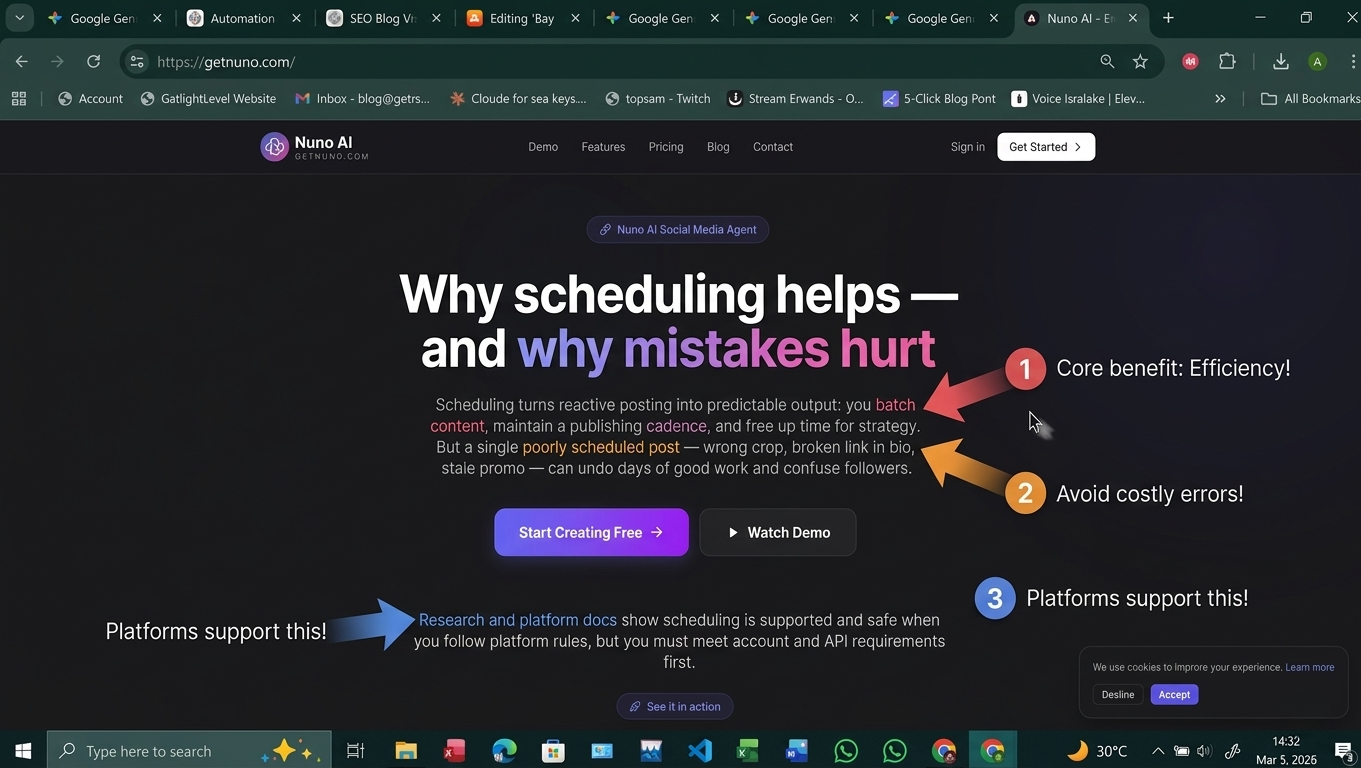
Scheduling turns reactive posting into predictable output: you batch content, maintain a publishing cadence, and free up time for strategy. But a single poorly scheduled post — wrong crop, broken link in bio, stale promo — can undo days of good work and confuse followers. That’s why understanding both the how and the what of scheduling matters. Research and platform docs show scheduling is supported and safe when you follow platform rules, but you must meet account and API requirements first.
Top scheduling mistakes (with quick fixes)
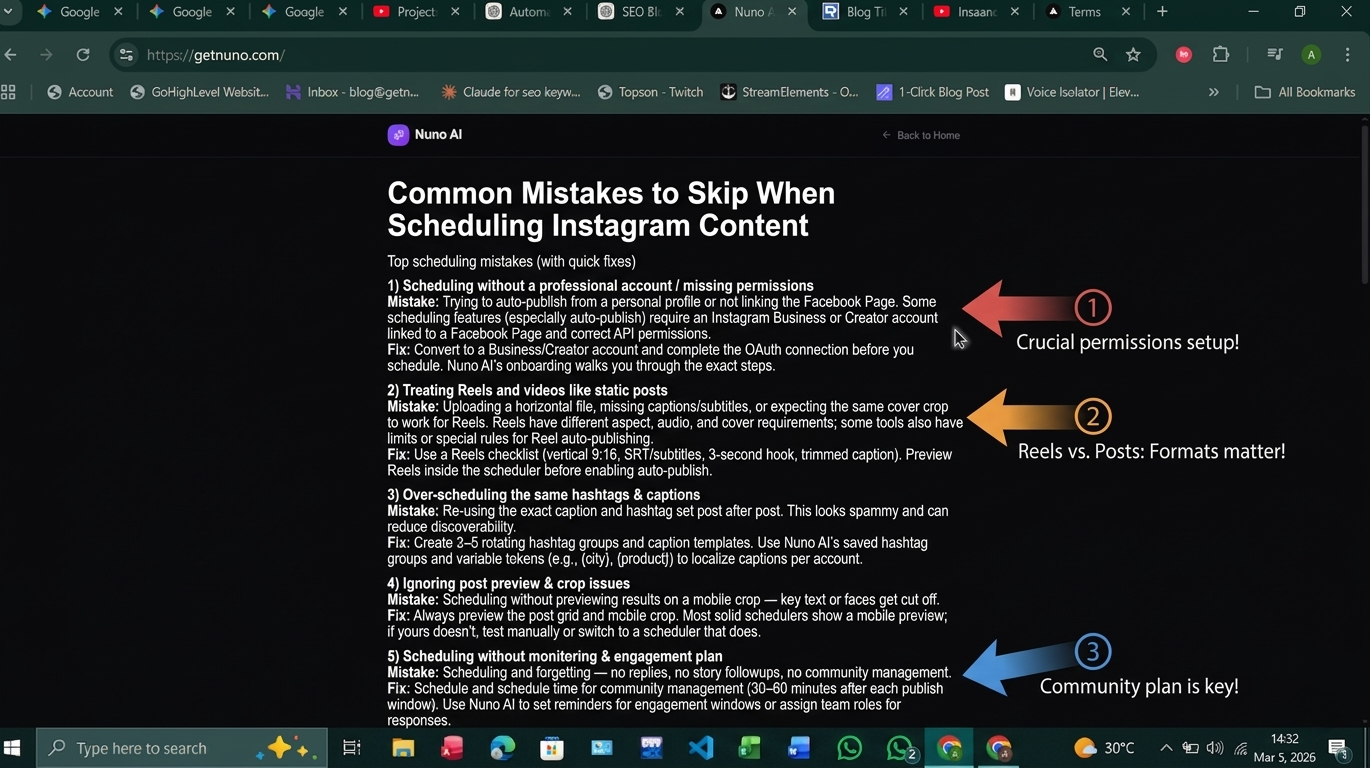
1) Scheduling without a professional account / missing permissions
Mistake: Trying to auto-publish from a personal profile or not linking the Facebook Page. Some scheduling features (especially auto-publish) require an Instagram Business or Creator account linked to a Facebook Page and correct API permissions.
Fix: Convert to a Business/Creator account and complete the OAuth connection before you schedule. Nuno AI’s onboarding walks you through the exact steps.
2) Treating Reels and videos like static posts
Mistake: Uploading a horizontal file, missing captions/subtitles, or expecting the same cover crop to work for Reels. Reels have different aspect, audio, and cover requirements; some tools also have limits or special rules for Reel auto-publishing.
Fix: Use a Reels checklist (vertical 9:16, SRT/subtitles, 3-second hook, trimmed caption). Preview Reels inside the scheduler before enabling auto-publish.
3) Over-scheduling the same hashtags & captions
Mistake: Re-using the exact caption and hashtag set post after post. This looks spammy and can reduce discoverability.
Fix: Create 3–5 rotating hashtag groups and caption templates. Use Nuno AI’s saved hashtag groups and variable tokens (e.g., {city}, {product}) to localize captions per account.
4) Ignoring post preview & crop issues
Mistake: Scheduling without previewing results on a mobile crop — key text or faces get cut off.
Fix: Always preview the post grid and mobile crop. Most solid schedulers show a mobile preview; if yours doesn’t, test manually or switch to a scheduler that does.
5) Scheduling without monitoring & engagement plan
Mistake: Scheduling and forgetting — no replies, no story followups, no community management.
Fix: Schedule and schedule time for community management (30–60 minutes after each publish window). Use Nuno AI to set reminders for engagement windows or assign team roles for responses.
6) Using reminder-only tools when you need true auto-publish
Mistake: Relying on apps that only send “time to post” notifications. That’s fine for single users but slows teams and agencies. Buffer/Later/others sometimes use notification-based flows depending on platform limits.
Fix: If you need hands-off publishing (feed posts, Reels where supported), choose a scheduler with true auto-publish for those content types and plans that include API publishing.
7) Scheduling too far in advance (stale content)
Mistake: Scheduling promos or time-sensitive posts months ahead without review — content becomes outdated.
Fix: Keep a “review window”: for evergreen posts you can schedule farther out (60–90 days); for promo or news keep it within 7–21 days and add a review step before publish.
How to fix these — smart workflows with Nuno AI
Here are practical, tested workflows you can start using today.
Batch + localize: multi-account templates
Create media + master caption + 3 hashtag groups.
Upload once to Nuno AI, duplicate across accounts, and use localized tokens to swap city names, pricing, or contact details. This avoids re-uploading and keeps messaging correct.
Reels/video checklist before scheduling
Format: vertical 9:16, 1080×1920 minimum.
Hook: first 2–3 seconds sell the viewer.
Subtitles: burned-in or SRT file.
Cover image: upload custom, preview crop.
Audio rights: confirm trending audio is allowed for auto-publish. Nuno AI flags common issues during upload.
Quick 10-point pre-publish checklist
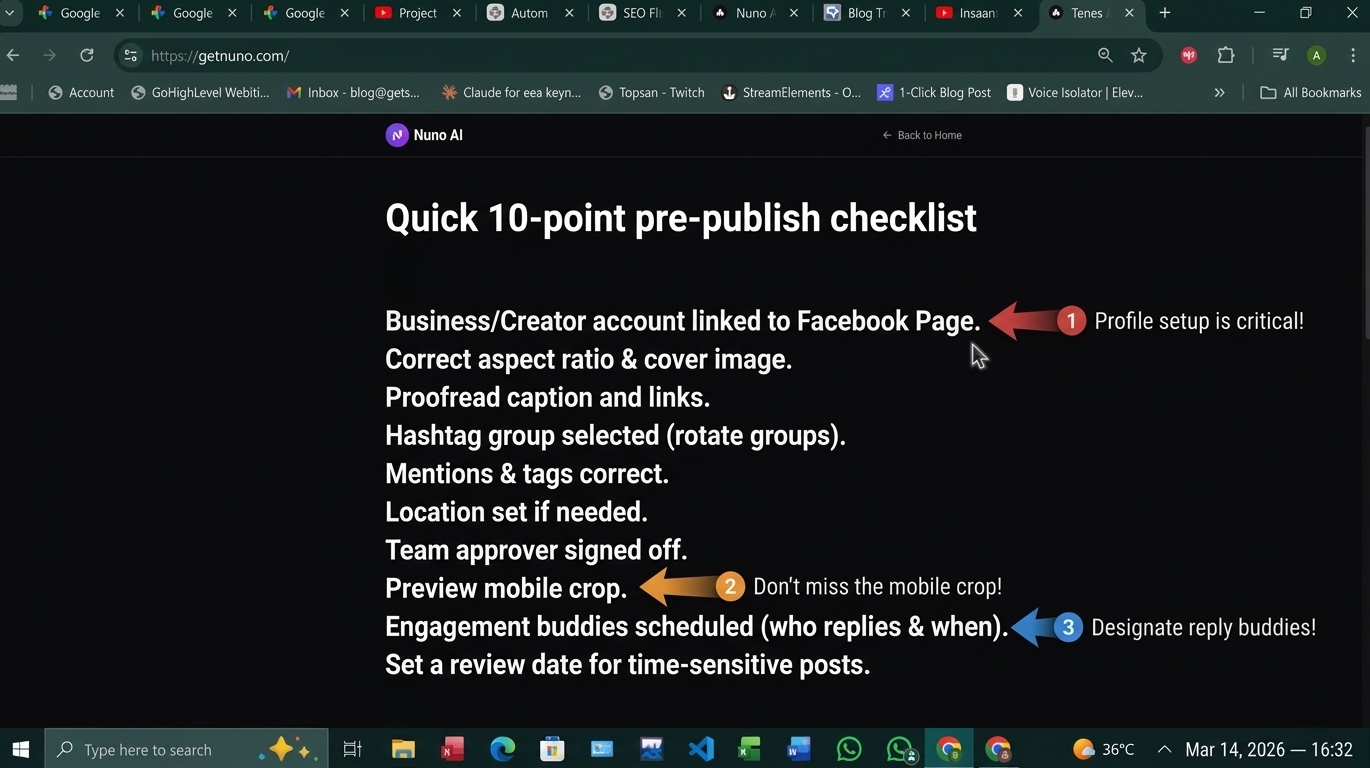
Business/Creator account linked to Facebook Page.
Correct aspect ratio & cover image.
Proofread caption and links.
Hashtag group selected (rotate groups).
Mentions & tags correct.
Location set if needed.
Team approver signed off.
Preview mobile crop.
Engagement buddies scheduled (who replies & when).
Set a review date for time-sensitive posts.
Tools & resources (what to check in any instagram scheduling app)
Does the tool support true instagram auto publish for feed posts and Reels where the API allows? (Check docs).
Does it offer mobile & grid previews?
Can you manage multiple accounts and role permissions?
Does it save hashtag groups, templates, and support localization?
Does the provider publish guidance on limits and Reels handling? (good sign)
Hootsuite, Buffer, and native Meta tools all support scheduling in different ways — read their docs to match features to your workflow.
**
Final thoughts :**
Scheduling is powerful — but only when done with care. Avoid the mistakes above by using a structured workflow, previewing every post, and choosing a scheduler that supports the content types you rely on. If you manage multiple accounts and want a single place to auto-publish, batch, localize, and monitor — try Nuno AI’s free trial to see how optimized workflows prevent the common scheduling pitfalls.
Don't waste the time and Try Nuno AI free
FAQ's :
Q1: Do I need to link a Facebook Page to schedule Instagram posts?
Yes — most auto-publish features require an Instagram Business/Creator account linked to a Facebook Page and proper API permissions.
Q2: Can scheduling harm my reach or engagement?
No — scheduling itself doesn’t harm engagement; poor content or lack of engagement after posting does. Use analytics to compare scheduled vs. ad-hoc performance.
Q3: Are Reels harder to schedule than feed posts?
Reels have extra requirements (vertical format, cover, audio considerations) and sometimes tool or API limits — treat them with a separate checklist.
Q4: What’s the difference between reminder-based and auto-publish tools?
Reminder-based tools send a notification to you to complete the post on mobile; auto-publish publishes without manual taps when the platform API and account permissions allow. Choose accordingly.
Q5: How often should I review scheduled content?
For evergreen posts you can schedule further out (60–90 days). For promos or time-sensitive items keep a shorter review window (7–21 days) and set a review reminder in your scheduler.
Put your character in a viral video
Pick a trending clip or upload your own, add photos of your character, product or outfit, and we make the video for you. No account, no prompts.
Try Nuno Mimic →