Fix These 5 Instagram Scheduling Mistakes Now
By Nuno AI Team · Updated · 5 min read
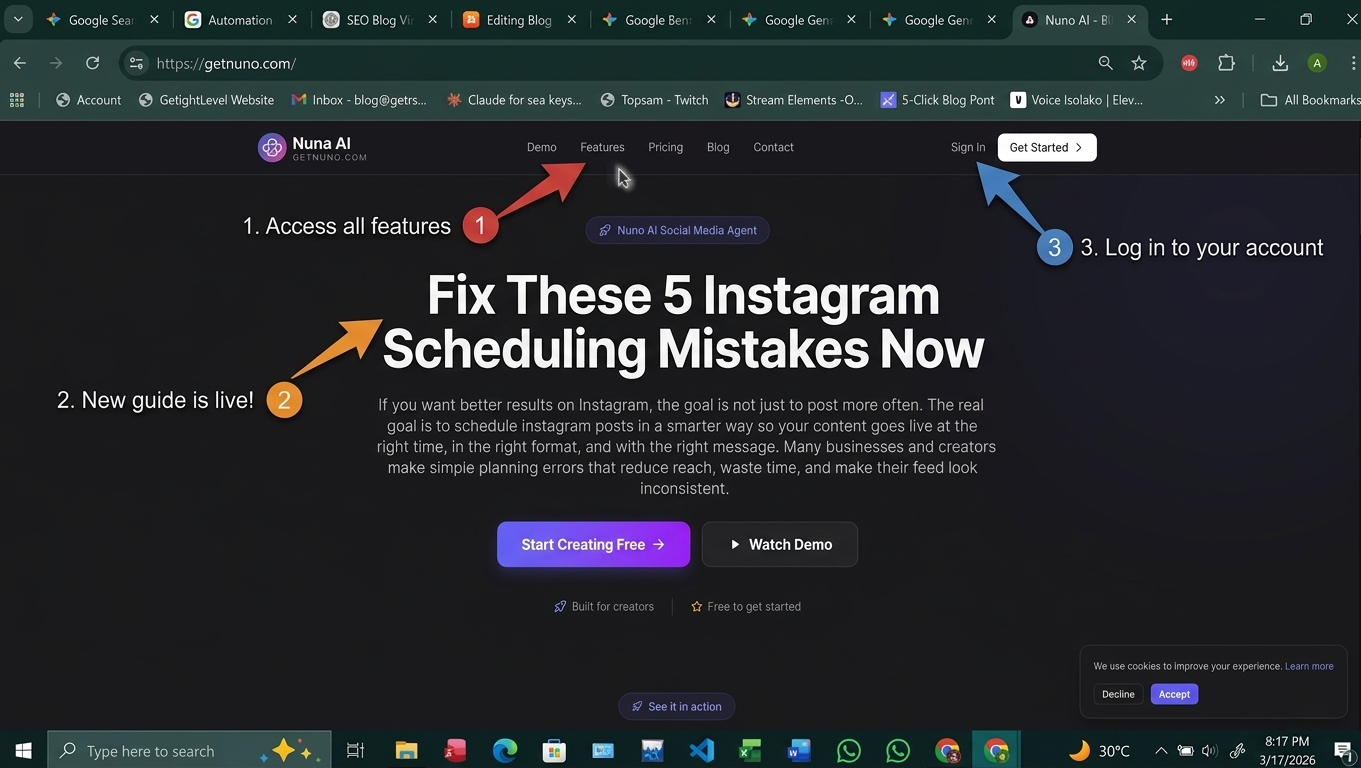
If you want better results on Instagram, the goal is not just to post more often. The real goal is to schedule instagram posts in a smarter way so your content goes live at the right time, in the right format, and with the right message. Many businesses and creators make simple planning errors that reduce reach, waste time, and make their feed look inconsistent.
The good news is that these problems are easy to fix. With the right workflow and a reliable platform like Nuno AI, you can avoid the most common instagram scheduling mistakes, save hours every week, and keep multiple accounts organized from one web-based dashboard.
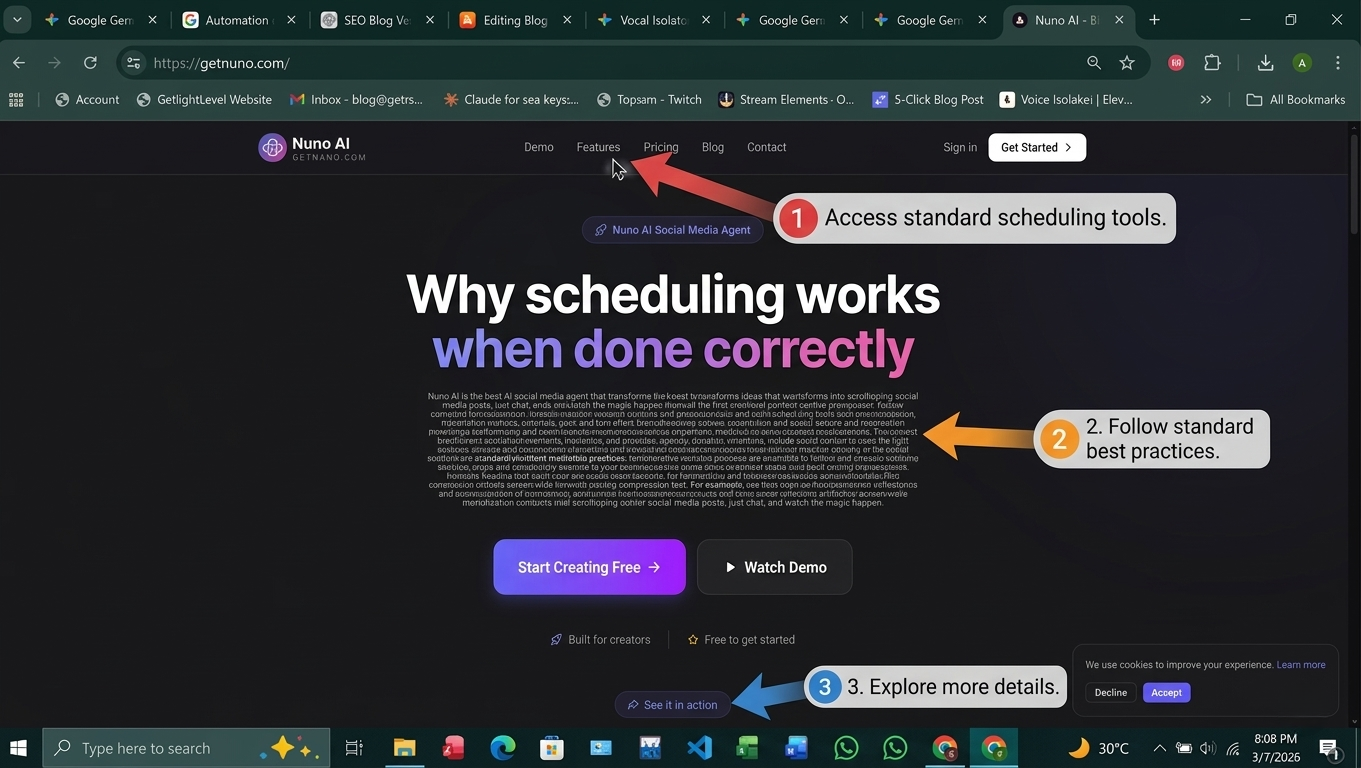
Why scheduling works when done correctly
Consistency beats random posting
When you schedule instagram posts, you stop relying on memory, last-minute effort, or rushed mobile posting. That consistency helps your audience know when to expect new content. It also gives your brand a more polished and professional look.
Why businesses use an instagram scheduler
A good instagram scheduler helps you batch content, plan campaigns, and reduce daily posting stress. For small businesses, social media teams, and busy business owners, scheduling is one of the fastest ways to stay active without being online all day.
Mistake 1: Ignoring the best time to post on Instagram
Why timing changes performance
One of the biggest instagram scheduling mistakes is posting at random times. Even good content can underperform if it goes live when your audience is inactive. The best time to post on instagram depends on your followers, your industry, and the type of content you share.
How Nuno AI helps you post at the right hour
With Nuno AI, you can plan ahead and schedule content for the hours your audience is most likely to engage. That means your posts are not just published automatically — they are published strategically. If you want to schedule social media posts across different accounts, this becomes even more useful because each audience may be active at a different time.
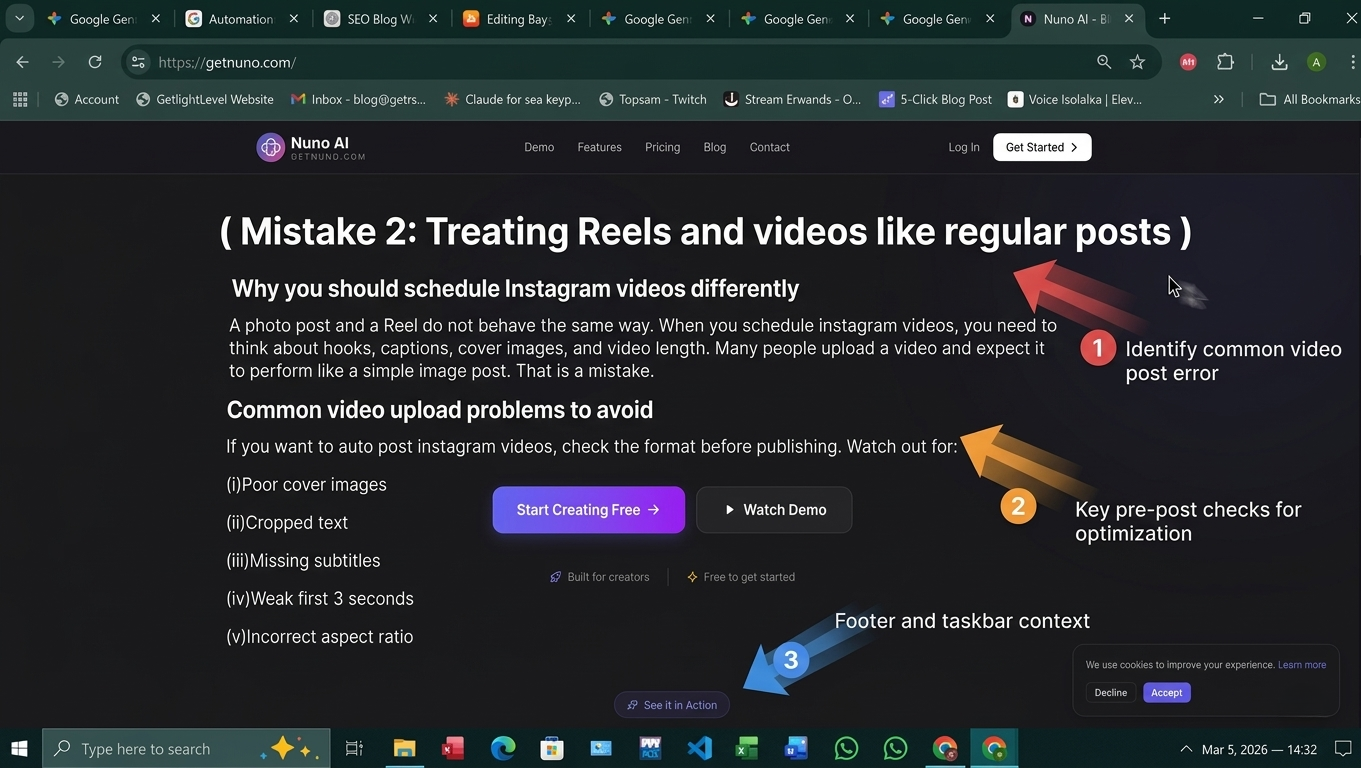
Mistake 2: Treating Reels and videos like regular posts
Why you should schedule Instagram videos differently
A photo post and a Reel do not behave the same way. When you schedule instagram videos, you need to think about hooks, captions, cover images, and video length. Many people upload a video and expect it to perform like a simple image post. That is a mistake.
Common video upload problems to avoid
If you want to auto post instagram videos, check the format before publishing. Watch out for:
Poor cover images
Cropped text
Missing subtitles
Weak first 3 seconds
Incorrect aspect ratio
A strong instagram scheduling tool should make this easier. Nuno AI helps you organize video content, preview it before publish time, and keep your feed clean and professional.
Mistake 3: Posting without a content plan
Batch content before you schedule social media posts
Another common problem is posting one item at a time without a plan. That leads to gaps, repeated ideas, and last-minute stress. Instead, create a weekly or monthly content plan before you schedule instagram posts.
Build a weekly posting system
A simple workflow could look like this:
Monday: educational post
Wednesday: Reel or short video
Friday: promotional or testimonial post
Weekend: community or behind-the-scenes content
This helps you stay consistent and makes it easier to manage a full content calendar inside an instagram scheduling app like Nuno AI.
Mistake 4: Using the wrong instagram scheduling tool
What to look for in an instagram scheduling app
Not every tool gives the same level of control. Some apps only support basic publishing. Others let you manage captions, video uploads, team workflows, and multiple profiles at once.
When choosing an instagram scheduling tool, look for:
Multi-account support
Auto-posting
Video scheduling
Content calendar view
Easy preview
Free or trial access
If you are searching for an instagram scheduler free, make sure it still gives you enough functionality to grow. A free tool is only useful if it actually saves time and supports the content types you publish.
Why multi-account control matters
Nuno AI is built for people who need to manage more than one account at the same time. That makes it ideal for agencies, small businesses, and teams that want to schedule instagram posts from one place instead of logging into every account separately.
Mistake 5: Auto-posting without checking results
Review analytics and adjust timing
A lot of people think scheduling ends when they hit publish. It does not. If you never review results, you will keep repeating the same mistakes.
Check which posts perform best, which times get more engagement, and which content types drive clicks or saves. That is how you improve the way you schedule instagram videos and feed posts over time.
Improve your workflow with Nuno AI
With Nuno AI, you can keep all your scheduling and publishing in one place, then refine your workflow based on performance. That helps you move beyond basic auto-posting and turn scheduling into a real content strategy.
Quick checklist before you schedule instagram posts
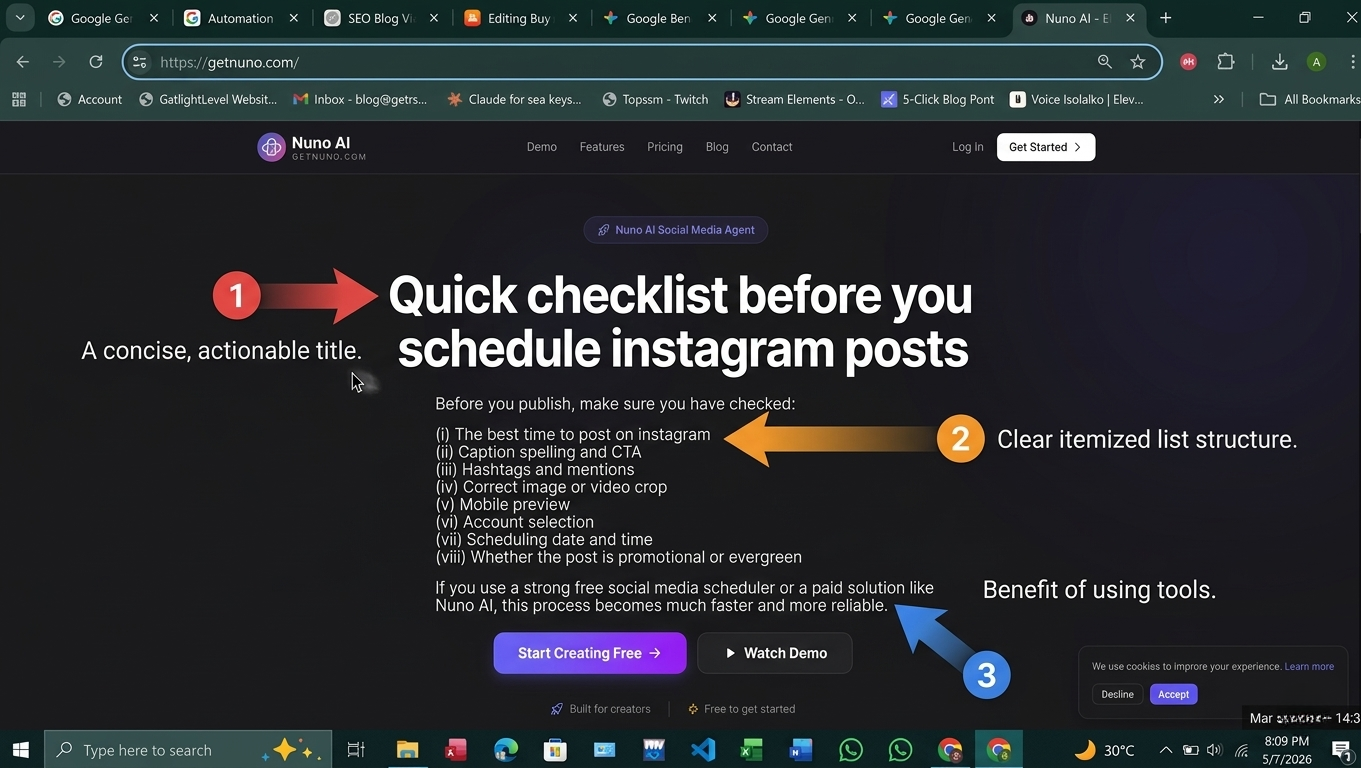
Before you publish, make sure you have checked:
The best time to post on instagram
Caption spelling and CTA
Hashtags and mentions
Correct image or video crop
Mobile preview
Account selection
Scheduling date and time
Whether the post is promotional or evergreen
If you use a strong free social media scheduler or a paid solution like Nuno AI, this process becomes much faster and more reliable.
Final thoughts
The easiest way to grow on Instagram is not by guessing or posting randomly. It is by avoiding the most common mistakes and building a repeatable system. When you schedule instagram posts correctly, choose the right time, format videos properly, and review results, your content becomes more effective and much easier to manage.
That is exactly where Nuno AI helps. It gives small businesses, social media users, and multi-account teams a clean way to plan content, auto-post reliably, and stay consistent without spending all day online.
FAQ's:
Q1: What is the biggest mistake when people schedule instagram posts?
The biggest mistake is posting at the wrong time or without a plan. Even great content can fail if it is published when your audience is not active.
Q2: Is it better to use an instagram scheduler or post manually?
A scheduler is better for consistency, planning, and multi-account management. Manual posting is fine occasionally, but it is harder to maintain a strong system.
Q3: Can I schedule Instagram videos and Reels too?
Yes. A good instagram scheduling tool should support video content, including Reels, so you can plan more than just image posts.
Q4: Is there an instagram scheduler free option?
Yes, some tools offer free plans. Just make sure the free version still supports the features you actually need, like video uploads and multi-account posting.
Q5: How does Nuno AI help small businesses?
Nuno AI helps small businesses manage multiple accounts, auto-post content, and keep their schedule organized from one web-based platform.
Put your character in a viral video
Pick a trending clip or upload your own, add photos of your character, product or outfit, and we make the video for you. No account, no prompts.
Try Nuno Mimic →