Free or Paid: Pick the Right Instagram Scheduler
By Nuno AI Team · Updated · 5 min read
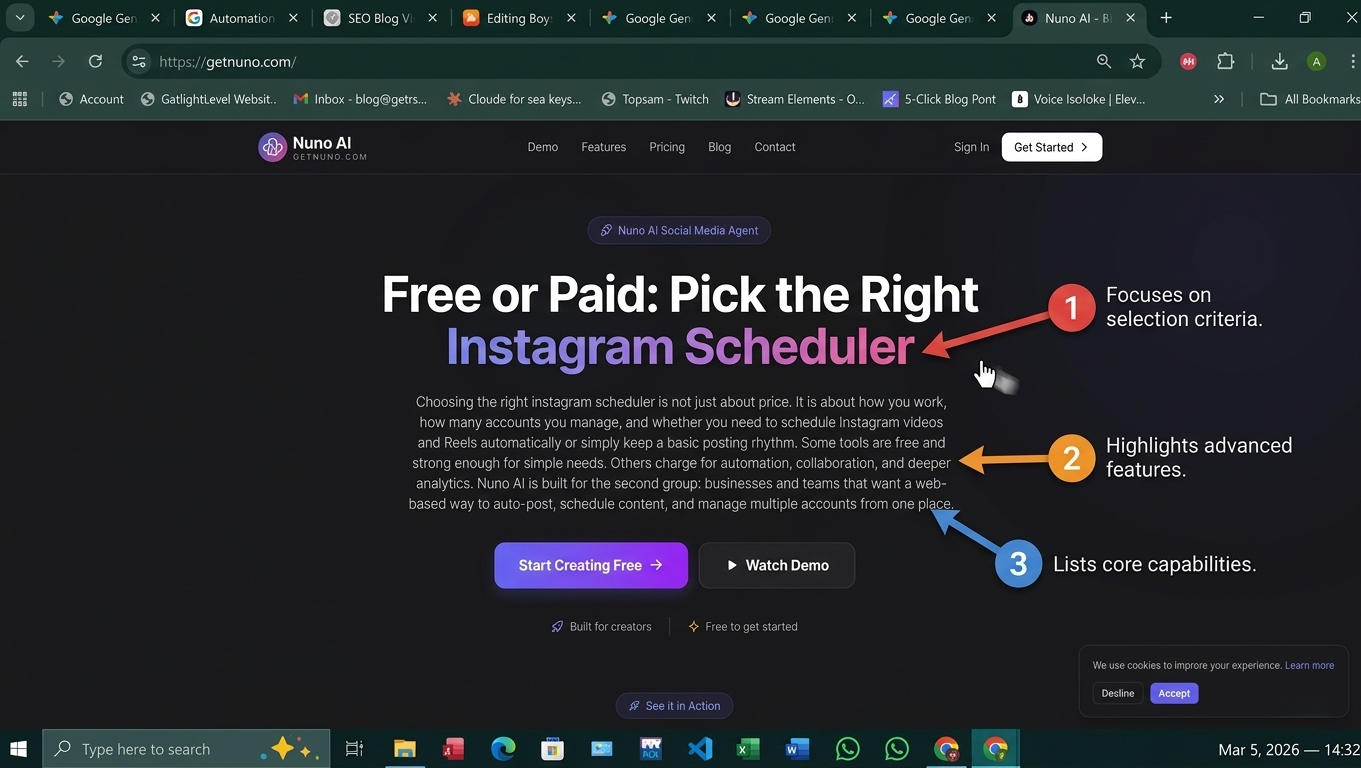
Choosing the right instagram scheduler is not just about price. It is about how you work, how many accounts you manage, and whether you need to schedule Instagram videos and Reels automatically or simply keep a basic posting rhythm. Some tools are free and strong enough for simple needs. Others charge for automation, collaboration, and deeper analytics. Nuno AI is built for the second group: businesses and teams that want a web-based way to auto-post, schedule content, and manage multiple accounts from one place.
What an instagram scheduler should do
Auto-publish vs reminder-based posting
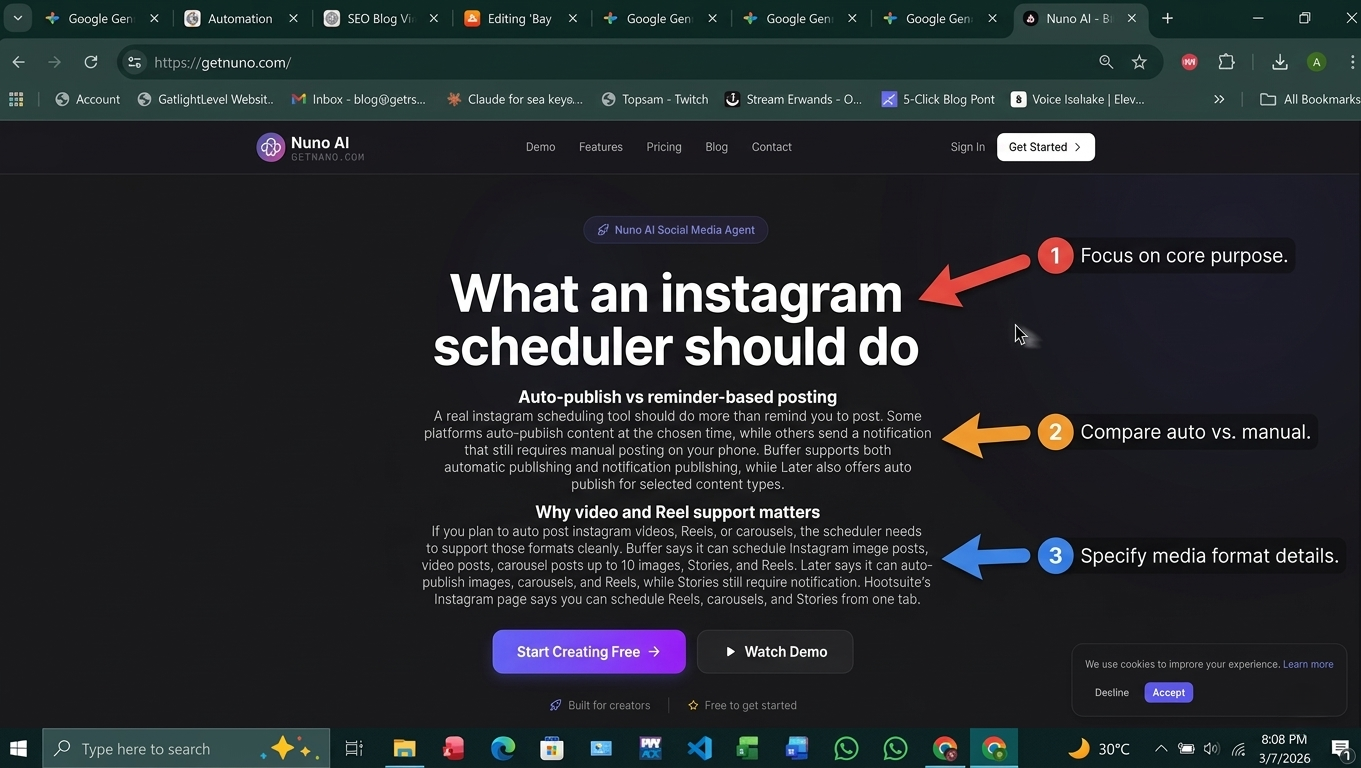
A real instagram scheduling tool should do more than remind you to post. Some platforms auto-publish content at the chosen time, while others send a notification that still requires manual posting on your phone. Buffer supports both automatic publishing and notification publishing, while Later also offers auto publish for selected content types.
Why video and Reel support matters
If you plan to auto post instagram videos, Reels, or carousels, the scheduler needs to support those formats cleanly. Buffer says it can schedule Instagram image posts, video posts, carousel posts up to 10 images, Stories, and Reels. Later says it can auto-publish images, carousels, and Reels, while Stories still require notification publishing. Hootsuite’s Instagram page says you can schedule Reels, carousels, and Stories from one tab.
Free instagram scheduler options: what you actually get
Meta Business Suite
Meta Business Suite is a free tool for managing business activity across Facebook, Instagram, and Messenger, and Meta’s help pages show that you can schedule Facebook and Instagram content including posts, Stories, and Reels. For many small businesses, that makes it the simplest free starting point.
Buffer free plan
Buffer’s pricing page shows a free forever plan that lets you connect up to 3 channels. Buffer also says its Instagram scheduler supports automatic publishing or notification publishing, and that Reels can be scheduled for free. That makes Buffer a practical free social media scheduler for small accounts and light workflows.
Later free access and trial
Later’s pricing page shows a Starter plan at $18.75 per month billed yearly and a 14-day free trial. Its help center says single-photo Instagram posts are available on all plans, including Free. Later also says its auto publish can automatically publish images, carousels, and Reels, while Instagram Stories must still go through notification publishing.
When a paid instagram scheduling tool is worth it
Multi-account publishing
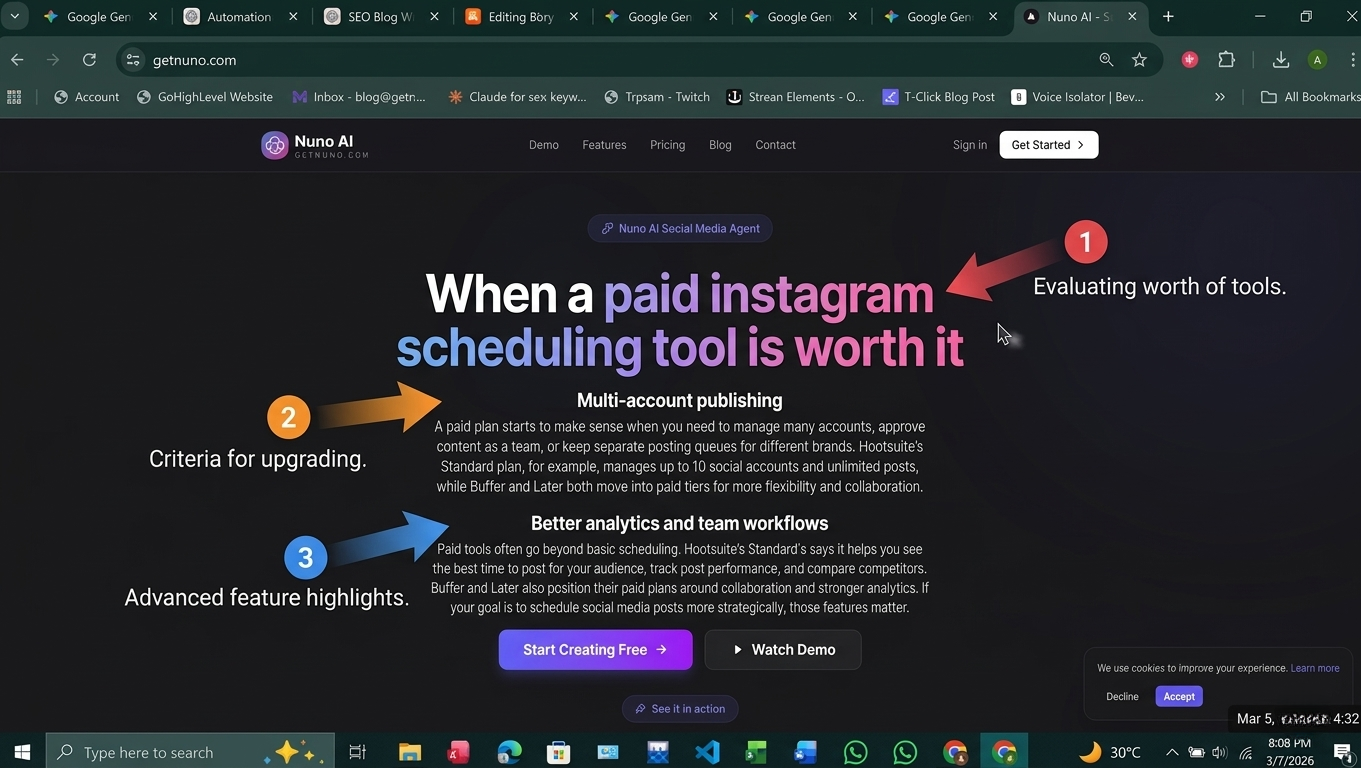
A paid plan starts to make sense when you need to manage many accounts, approve content as a team, or keep separate posting queues for different brands. Hootsuite’s Standard plan, for example, manages up to 10 social accounts and unlimited posts, while Buffer and Later both move into paid tiers for more flexibility and collaboration.
Better analytics and team workflows
Paid tools often go beyond basic scheduling. Hootsuite’s Standard analytics says it helps you see the best time to post for your audience, track post performance, and compare competitors. Buffer and Later also position their paid plans around collaboration and stronger analytics. If your goal is to schedule social media posts more strategically, those features matter.
More control over schedule instagram videos
If video is a major part of your content strategy, you usually want a scheduler that handles Reels, carousels, and post previews smoothly. Buffer and Later both support Reels workflows, and Hootsuite also promotes Reels scheduling, but the exact publishing behavior varies by tool and plan. That is why checking the content type support before you buy is so important.
Best instagram scheduler for different users
Solo creator or small business
If you are managing one brand and a small content calendar, a free instagram scheduler can be enough. Meta Business Suite gives you a free native option, Buffer offers a free plan, and Later gives you free access for some post types plus a trial on paid tiers.
Agency or multi-account team
If you manage multiple brands, need approvals, or want one dashboard for every account, a paid instagram scheduling app is usually the better fit. Hootsuite’s Standard plan supports up to 10 social accounts and unlimited posts, which shows how paid tools are built for higher volume.
Brand using Nuno AI
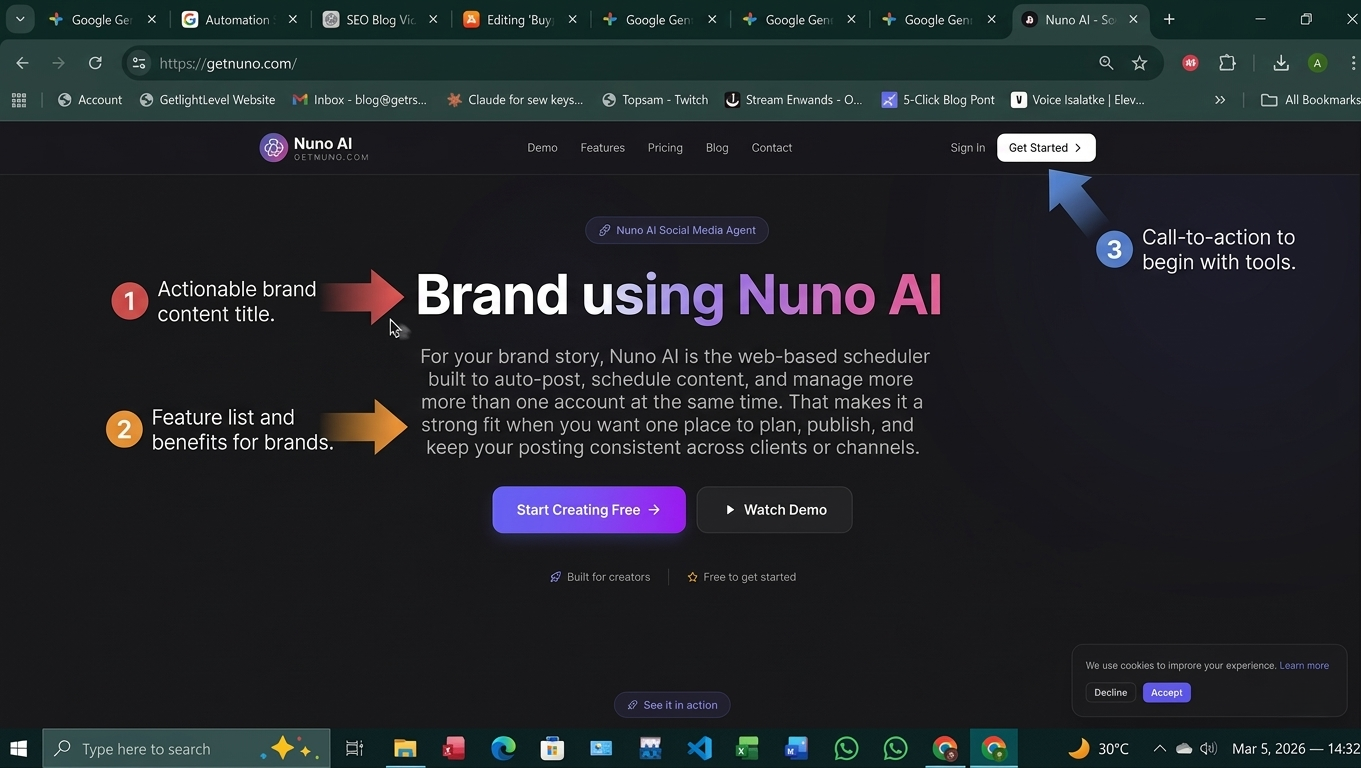
For your brand story, Nuno AI is the web-based scheduler built to auto-post, schedule content, and manage more than one account at the same time. That makes it a strong fit when you want one place to plan, publish, and keep your posting consistent across clients or channels.
Quick decision checklist
Use a free plan if:
you only manage a few channels,
you mostly post simple content,
you are testing your workflow,
and you do not need deep collaboration.
Go paid if:
you need to manage many accounts,
you want more collaboration or approvals,
you regularly schedule Instagram videos or Reels,
or you need stronger analytics and automation.
Final Takeaway :
The best choice is not always the cheapest one. A free social media scheduler can be perfect for getting started, but a paid tool is often better once your posting needs become more serious. If you want one web-based platform that helps you auto-post, schedule content, and manage multiple accounts without friction, Nuno AI is built for that workflow.
FAQ's:
Q1: Is a free instagram scheduler enough for a small business?
A1: Yes, if you only manage a few channels and post simple content. Meta Business Suite, Buffer’s free plan, and some Later options can cover basic scheduling needs.
Q2: What makes a paid instagram scheduler better?
A2: Paid tools usually add multi-account support, stronger analytics, collaboration features, and better control over Reels and video workflows. Hootsuite’s Standard plan and Later’s paid plans are examples of that shift.
Q3: Can I schedule Instagram Reels for free?
A3: Yes, Buffer says Reels can be scheduled for free, and Meta Business Suite supports scheduling Instagram content including Reels.
Q4: Which tool is best for managing multiple accounts?
A4: For higher-volume teams, a paid tool is usually better because it supports more accounts and more workflow control. Hootsuite Standard manages up to 10 social accounts, which shows the value of paid multi-account tools.
Q5: Where does Nuno AI fit in?
A5: Nuno AI fits brands and teams that want a web-based way to auto-post, schedule content, and manage multiple accounts from one platform.
Put your character in a viral video
Pick a trending clip or upload your own, add photos of your character, product or outfit, and we make the video for you. No account, no prompts.
Try Nuno Mimic →