How to Make Viral AI Character Videos: 9 Steps That Actually Work (2026)
By Nuno AI Team · Updated · 4 min read
In this guide
- Why motion transfer goes viral
- Step 1: Catch the trend while it is rising
- Step 2: Choose a clip that transfers well
- Step 3: Trim to the best 8 to 15 seconds
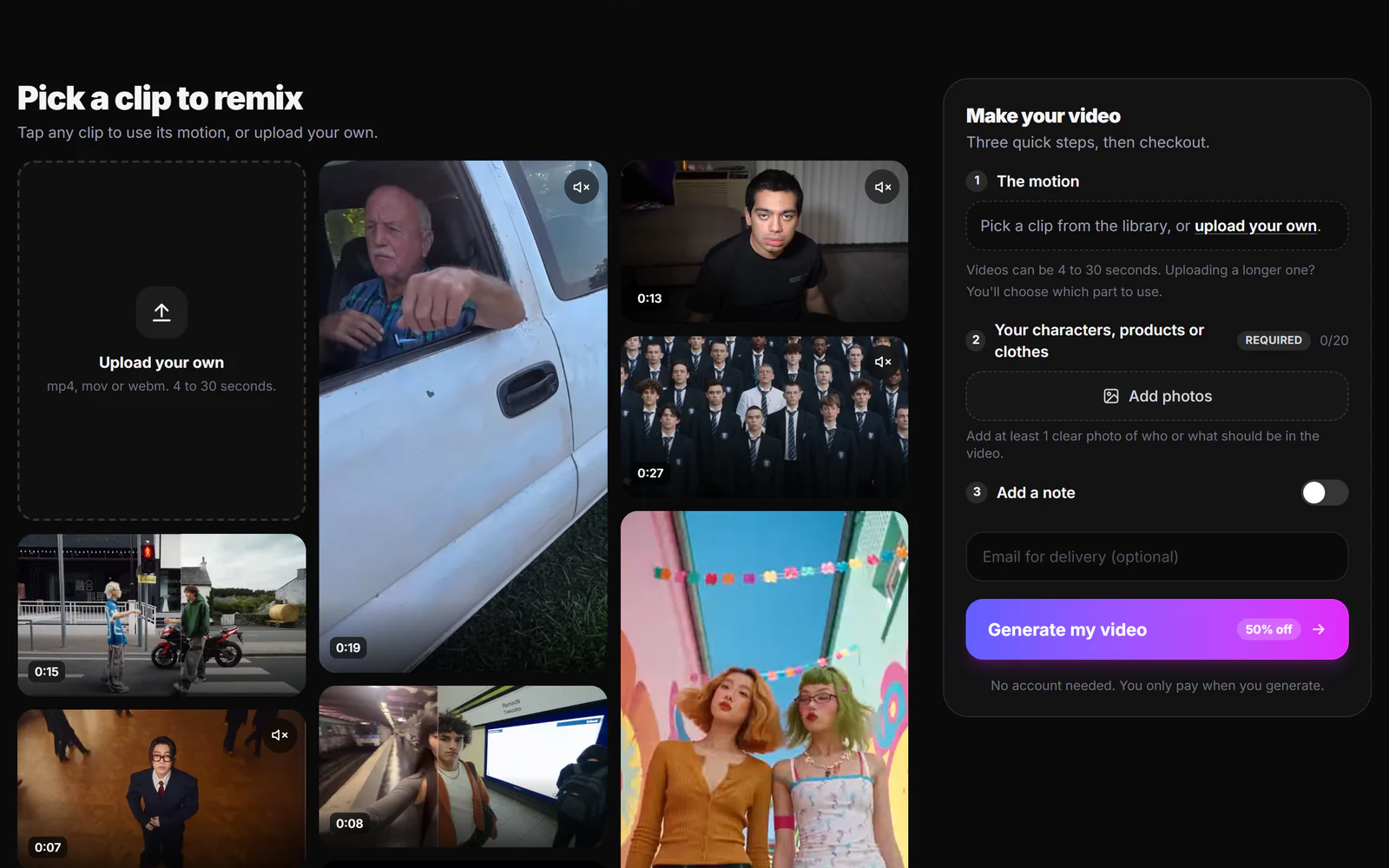
- Step 4: Prepare 3 to 8 clean reference photos
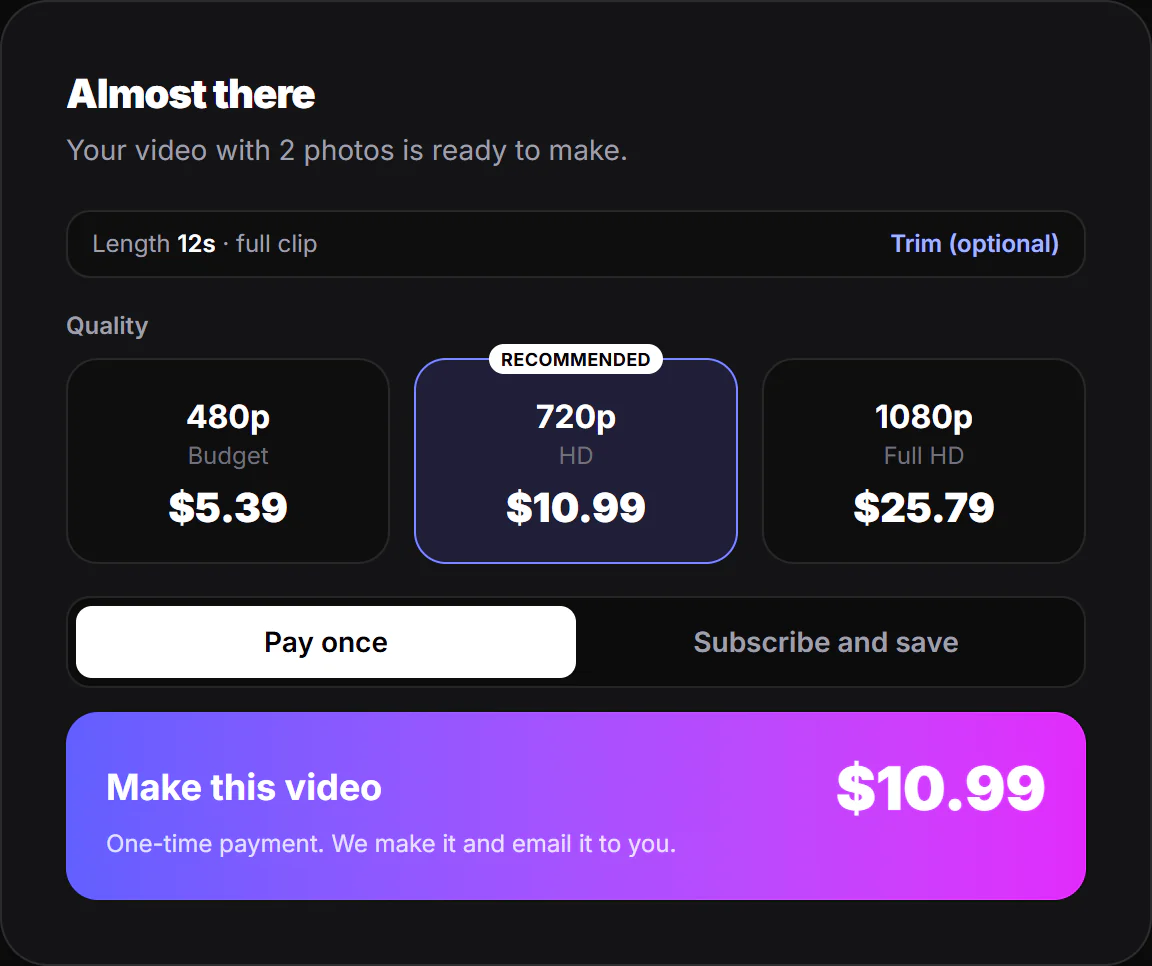
- Step 5: Pick the right quality
- Step 6: Generate, or have it made for you
- Step 7: Check the result before posting
- Step 8: Post it like a native video
- Step 9: Turn one hit into a series
- Rights and safety, briefly
- Sources
Short answer: most viral AI videos use motion transfer. You take a clip people already recognize (a dance, a reaction, a walk-in), keep its exact motion and timing, and swap the person for your own character, mascot, product or outfit. Pick a trend that is still rising, use 3 to 8 clean reference photos, keep it 8 to 15 seconds, render at 720p, and post within a day or two.
Why motion transfer goes viral
People share what they recognize. A new character doing a move everyone has seen a hundred times creates instant contrast: familiar timing, surprising subject. That is why an AI-generated character dancing to a trending sound can pull millions of views in days, while a technically better original clip struggles. Motion transfer also keeps real human timing, which is what makes AI video feel natural instead of floaty.
Step 1: Catch the trend while it is rising
Trends on TikTok and Reels peak fast, often within 24 to 48 hours of breaking out. Save clips that are spreading in your niche, not ones that peaked last month. A good test: if you have seen the same move from three unrelated accounts this week, it is rising.
Step 2: Choose a clip that transfers well
Not every video works. The best source clips have:
- One main subject that stays fully in frame
- Clear, readable movement (dances, gestures, walk-ins, reactions)
- A steady or simple camera move
- Good light with no heavy motion blur
Avoid crowds, fast cuts, and subjects that leave the frame. If the clip has several shots, use one shot.
Step 3: Trim to the best 8 to 15 seconds
Shorter clips loop, and loops boost watch time. Most motion transfer tools accept 4 to 30 seconds, and cost scales with length, so trim to the part with the hook and the payoff. Start on movement, not on a still frame.
Step 4: Prepare 3 to 8 clean reference photos
Your character is only as consistent as your photos. Use:
- A clear, front-facing shot with the face fully visible
- A full-body shot showing the outfit or design
- One or two angles (three-quarter, side)
- Close-ups of anything that must be exact: a logo, a product label, a pattern
Keep the same lighting and style across photos. For products, use clean shots on plain backgrounds. Blurry, filtered or heavily cropped photos are the most common reason a result looks off.
Step 5: Pick the right quality
| Quality | Use it for | Why |
|---|---|---|
| 480p | Testing an idea, meme accounts | Cheapest, fine on small screens |
| 720p | Most TikTok, Reels and Shorts | Best balance of sharpness and cost |
| 1080p | Brands, ads, product close-ups | Sharpest detail, highest cost |
For organic social, 720p is the sweet spot. Pay for 1080p when fine detail (text, product labels, faces in close-up) is the point of the video.
Step 6: Generate, or have it made for you
You have two routes:
- Do it yourself with tools like Kling 3.0 Motion Control, Higgsfield Genjutsu or Seedance 2.5. You get full control, but expect a few retries and some prompting. Our Genjutsu alternatives guide compares them.
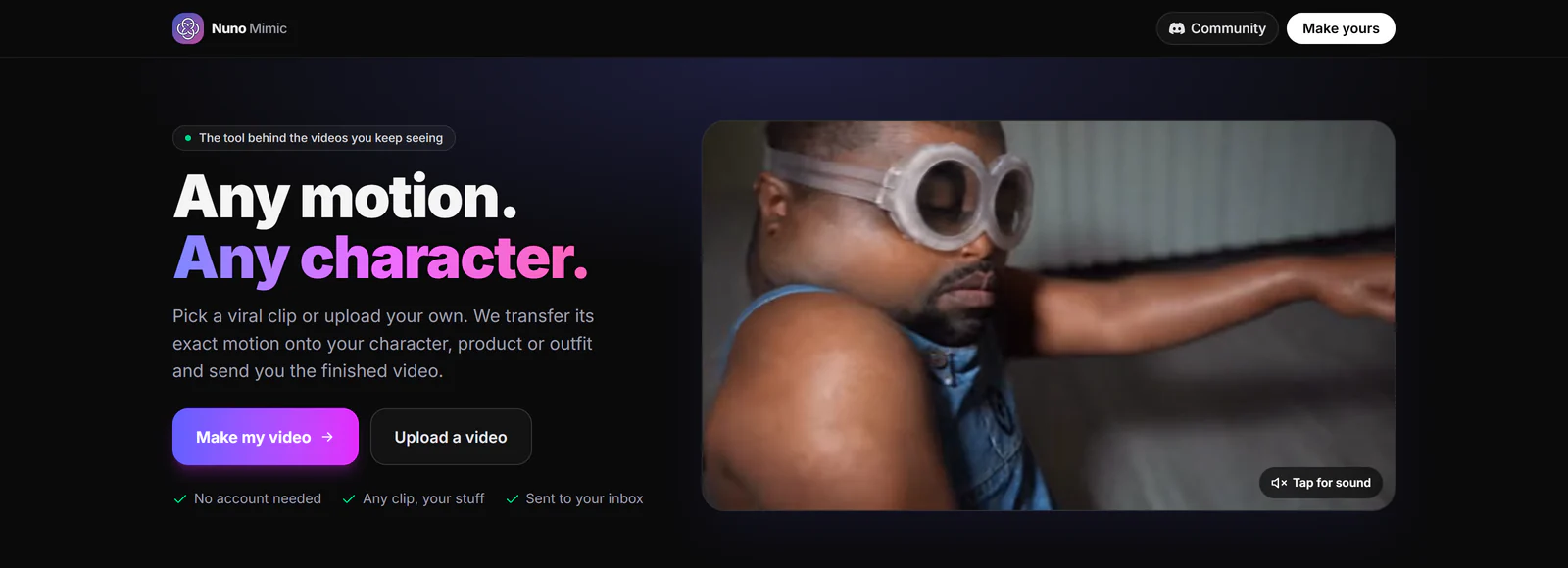
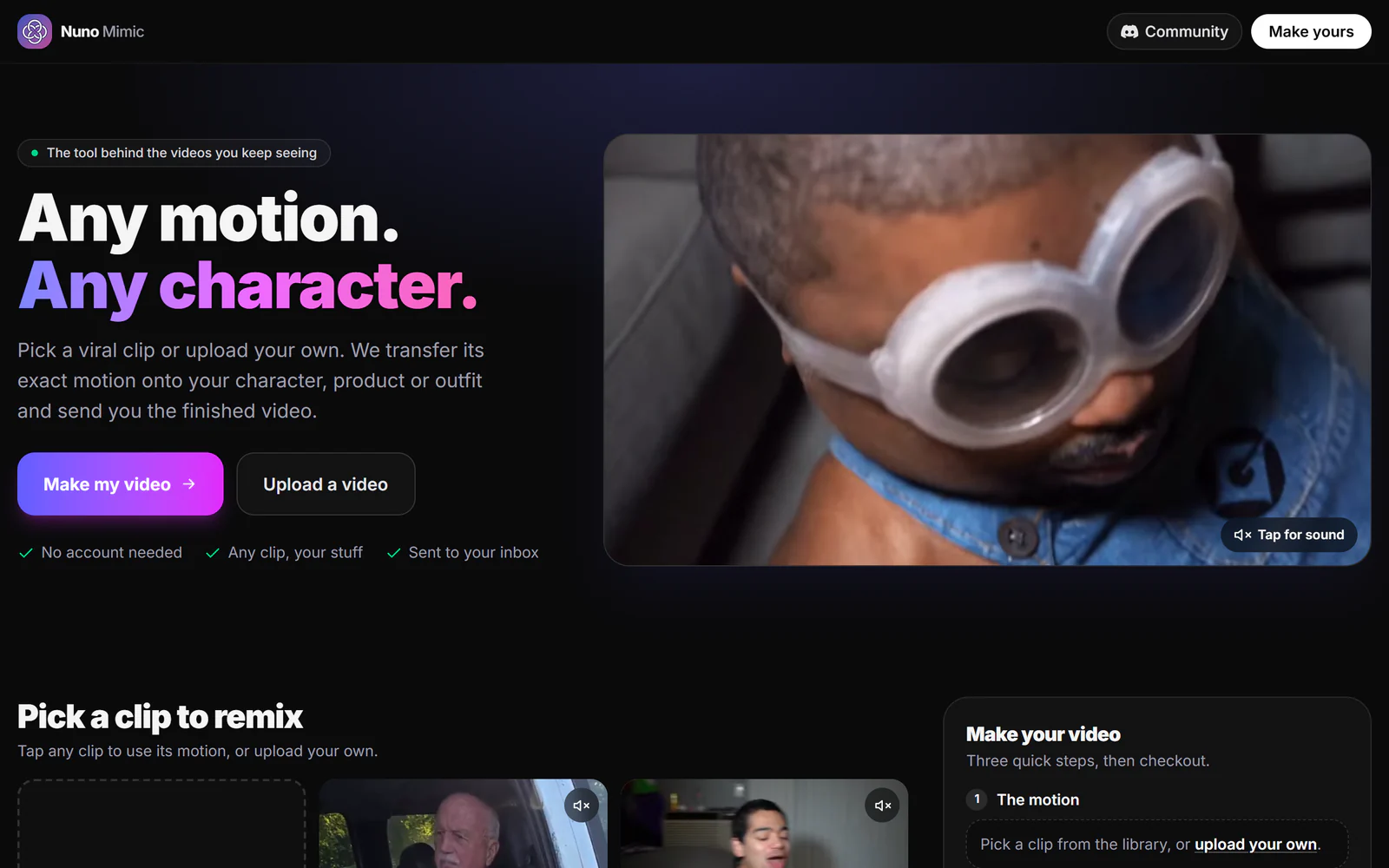
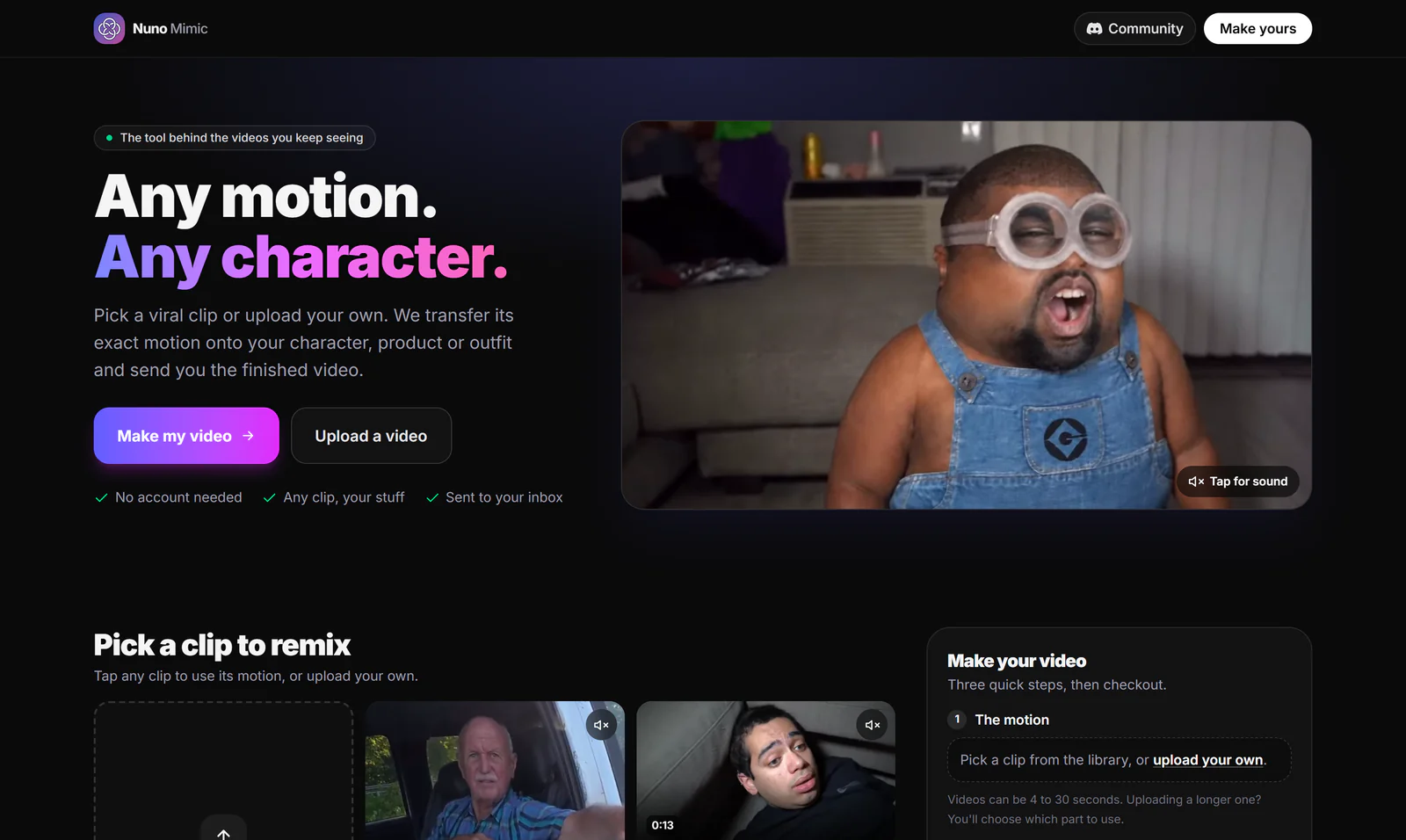
- Have it made for you with a done-for-you service. With Nuno Mimic (our product), you pick a clip from the trending library or upload your own, add your photos, choose the quality, and we make the video and email it to you. You see the exact price before you pay.
Step 7: Check the result before posting
Watch it twice, once for the whole and once frame by frame on the parts that matter:
- Does the face stay consistent through turns?
- Are hands and feet clean, with no extra fingers or sliding feet?
- Is any text or logo readable and correct?
- Does it loop cleanly from the last frame back to the first?
Step 8: Post it like a native video
- Use the trending sound inside TikTok or Instagram, not baked-in audio only, so the platform links your video to the trend.
- Hook in the first second: the character should be visible immediately.
- Caption with the trend name and what is different: "my cat does the [trend]".
- Label AI content where the platform asks. TikTok, Instagram and YouTube all have AI labels, and using them protects your account.
Step 9: Turn one hit into a series
When one character works, keep it. Make the same character do the next three trends. Recurring characters build followers faster than one-off videos, because people come back to see what it does next. Brands can do the same with a mascot or a hero product.
Rights and safety, briefly
Only use photos you have the right to use. Do not put real people (celebrities included) into videos without permission, and avoid copyrighted characters in paid ads. Most tools, Nuno Mimic included, refuse sensitive or infringing content.
Sources
- How AI dance generators are taking over social media in 2026, Nerdbot
- Viral AI video trends 2026: monthly roundup, Starrd
- How to create viral AI dance videos, Moveas
- Higgsfield Genjutsu official page
Updated October 5, 2026.
Frequently asked questions
How do people make those viral AI character videos?+
Mostly with motion transfer: they take a trending clip, keep its motion and timing, and replace the person with their own character, mascot, product or outfit using reference photos.
How long should an AI motion transfer video be?+
8 to 15 seconds works best for TikTok, Reels and Shorts. Most tools accept 4 to 30 seconds and charge by length.
What resolution should I use for TikTok and Reels?+
720p is the best balance for most short-form video. Use 1080p when fine detail like product labels or text matters.
Can I make a viral AI video without learning a tool?+
Yes. Done-for-you services like Nuno Mimic let you pick a trending clip, add photos, and receive the finished video by email.
Do I need to label AI videos on social media?+
TikTok, Instagram and YouTube ask creators to label realistic AI-generated content. Using the label protects your account.
Put your character in a viral video
Pick a trending clip or upload your own, add photos of your character, product or outfit, and we make the video for you. No account, no prompts.
Try Nuno Mimic →