Schedule Posts Ahead to Grow Your Instagram Followers Fast
By Nuno AI Team · Updated · 3 min read
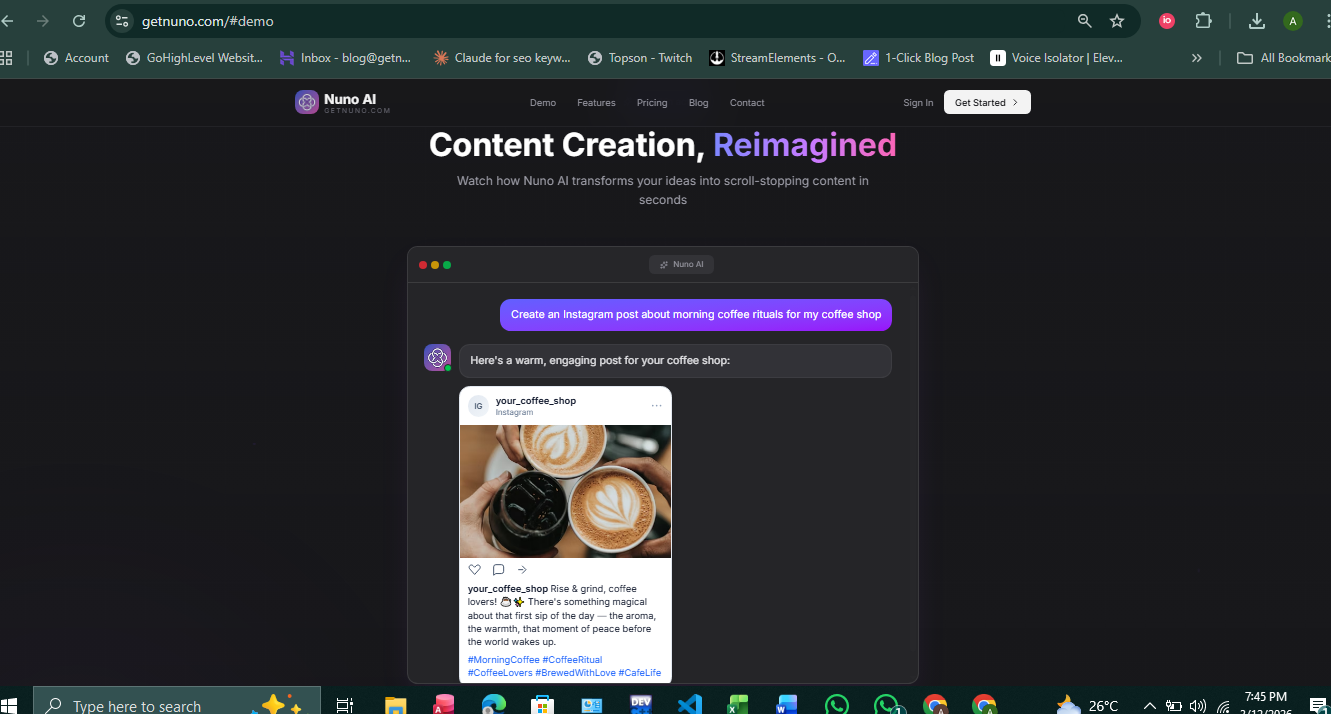
Posting at the right time consistently matters more than posting randomly. If you want steady follower growth, the fastest way to scale is to schedule instagram posts and use instagram auto publish where possible. Nuno AI is a web-based scheduler built for multi-account teams and small businesses that want to automate posting, keep brand voice consistent, and free up hours every week.
Why schedule instagram posts matters for growth?
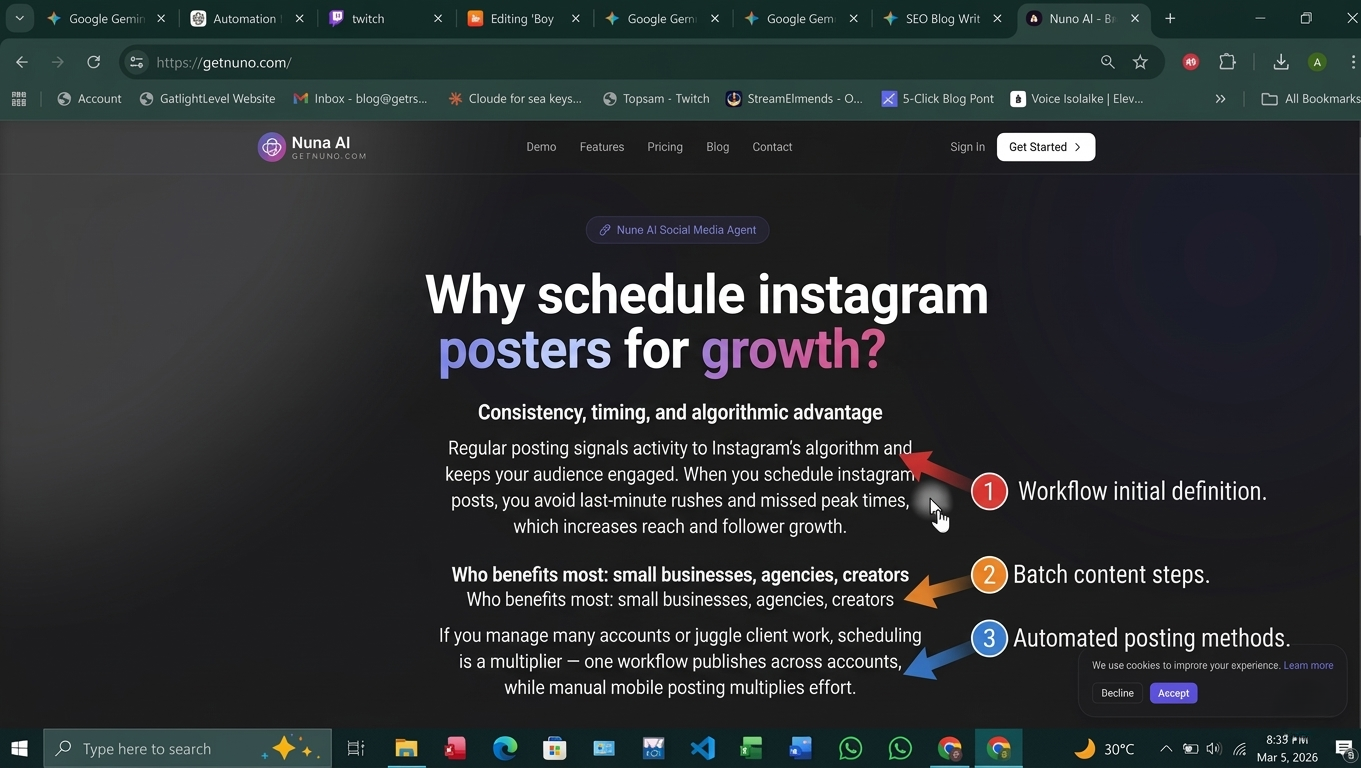
Consistency, timing, and algorithmic advantage
Regular posting signals activity to Instagram’s algorithm and keeps your audience engaged. When you schedule instagram posts, you avoid last-minute rushes and missed peak times, which increases reach and follower growth.
Who benefits most: small businesses, agencies, creators
If you manage many accounts or juggle client work, scheduling is a multiplier — one workflow publishes across accounts, while manual mobile posting multiplies effort.
Schedule vs. Instagram auto publish — what’s the difference?
True auto-publish vs. reminder-based schedulers
Some tools only send a push reminder to your phone (you still tap publish). A true instagram auto publish tool like Nuno AI (where API permissions allow) will publish posts and many Reels automatically without a manual step.
Reels and video support — what to expect
Auto-publishing of Reels and long videos depends on Instagram API support and the scheduler. Nuno AI actively supports auto post instagram videos and schedule instagram reels when permissions and formats are compatible, letting you queue rich content like Reels without extra mobile steps.
Quick 5-step setup to start scheduling with Nuno AI
Switch to a Business or Creator account. Instagram requires professional accounts for most auto-publish features.
Link a Facebook Page. Connect the Instagram profile to a Page you manage.
Sign up for Nuno AI and connect accounts. Use the secure OAuth flow to grant publishing permissions.
Enable instagram auto publish per account. Toggle auto-publish for feed posts, Reels, or videos where available.
Upload media & batch schedule. Drag images/videos, pick or save captions and hashtag groups, then schedule or queue.
This 5-step flow gets teams from zero to scheduled content in under 15 minutes.
Best practices when you schedule instagram posts
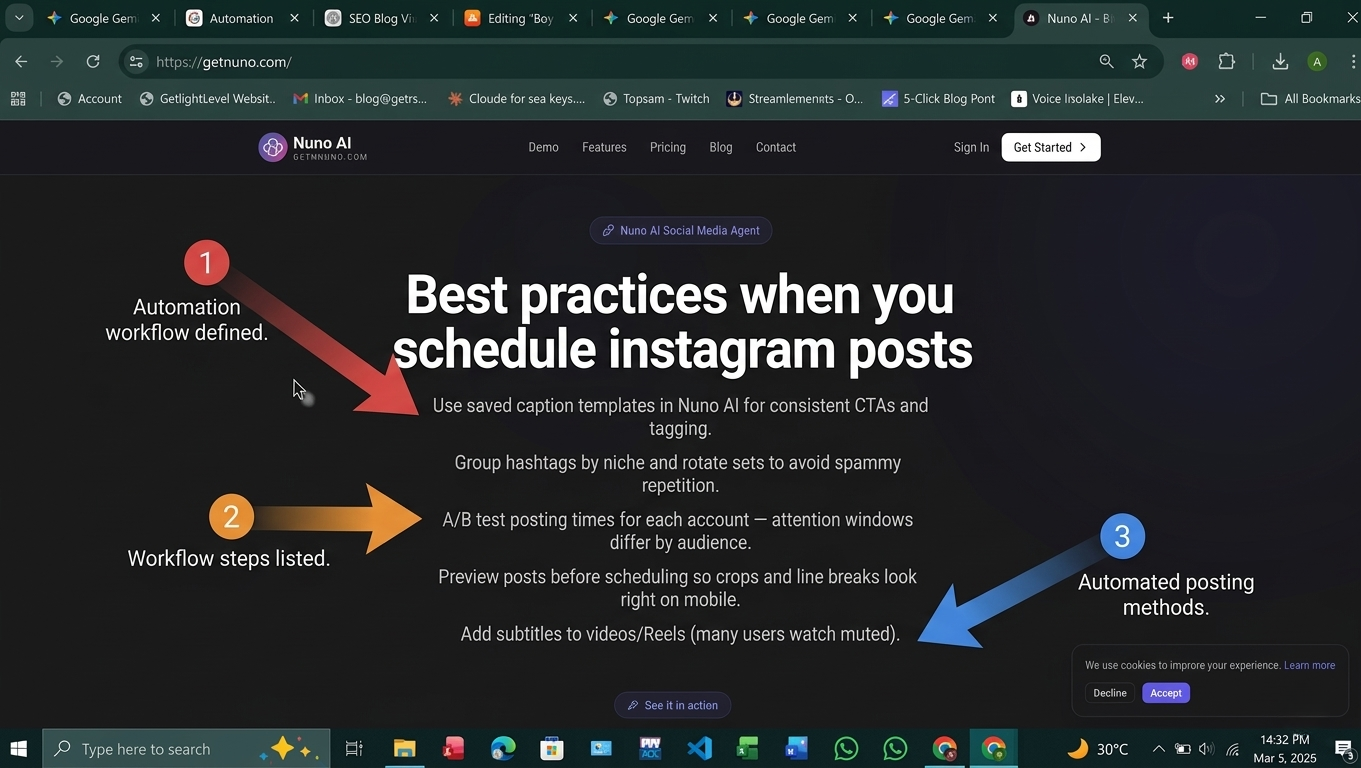
Use saved caption templates in Nuno AI for consistent CTAs and tagging.
Group hashtags by niche and rotate sets to avoid spammy repetition.
A/B test posting times for each account — attention windows differ by audience.
Preview posts before scheduling so crops and line breaks look right on mobile.
Add subtitles to videos/Reels (many users watch muted).
How to schedule Reels and videos for max reach
Upload vertical video files, add captions and a strong first 2–3 seconds, and schedule during highest engagement windows. Nuno AI’s Reel preview and optimization suggestions help reduce rework.
Batch workflows and multi-account templates with Nuno AI
Create one post, duplicate it across accounts, then tweak captions per brand. Nuno AI saves caption snippets, hashtag groups, and posting windows so a single session can create a week’s worth of content for multiple clients.
Real-world workflow: grow followers in 30 days using scheduled posts
Weekly content batching example
Monday: Educational Reel (auto publish)
Wednesday: Carousel (how-to)
Friday: Community post (UGC / testimonial)
Weekend: Story sequence (manual or scheduled reminders)
Measuring success: KPIs to track in Nuno AI
Follower growth rate (weekly)
Reach & impressions per post
Saves and shares (content that drives growth)
Engagement rate (likes + comments / impressions)
Use Nuno AI’s analytics to compare scheduled posts vs. ad hoc posts and refine posting cadence.
Start creating with Nuno AI for free
FAQ's:
Q1: How soon can I start scheduling posts with Nuno AI?
A1: After switching to a Business/Creator account and linking a Facebook Page, you can connect accounts to Nuno AI and schedule posts within 10–15 minutes.
Q2: Does Nuno AI support Instagram auto publish for Reels?
A2: Yes — Nuno AI supports auto-publish for Reels and many video formats where Instagram’s API allows it. For rare edge cases you may need to check format or permission settings.
Q3: Can I schedule the same post across multiple Instagram accounts?
A3: Yes. Nuno AI’s multi-account queue and template system let you duplicate posts across accounts and customize captions per account.
Q4: Is there a free version to try before paying?
A4: Nuno AI offers a free trial and limited free tier so you can test scheduling and multi-account publishing before upgrading.
Q5: What metrics should I track to measure follower growth from scheduled posts?
A5: Track follower growth rate, reach, impressions, saves/shares, and engagement rate; use Nuno AI analytics to compare scheduled vs. ad-hoc posts.
Put your character in a viral video
Pick a trending clip or upload your own, add photos of your character, product or outfit, and we make the video for you. No account, no prompts.
Try Nuno Mimic →