Seedance 2.5: 9 Things to Know Before You Make Your First Video (2026 Guide)
By Nuno AI Team · Updated · 5 min read
In this guide
- 1. It makes 30-second clips in one generation
- 2. Resolution is 480p or 720p (not 4K)
- 3. Up to 50 references: images, video and audio
- 4. Audio is generated with the video
- 5. Local editing fixes one detail without a reroll
- 6. Pro tools: white-model previews, green screen and camera control
- 7. Where you can use Seedance 2.5
- 8. What it costs
- 9. Prompts that work better
- The easier route: recreate a viral clip without prompting
- Seedance 2.5 vs Seedance 2.0 at a glance
- Sources
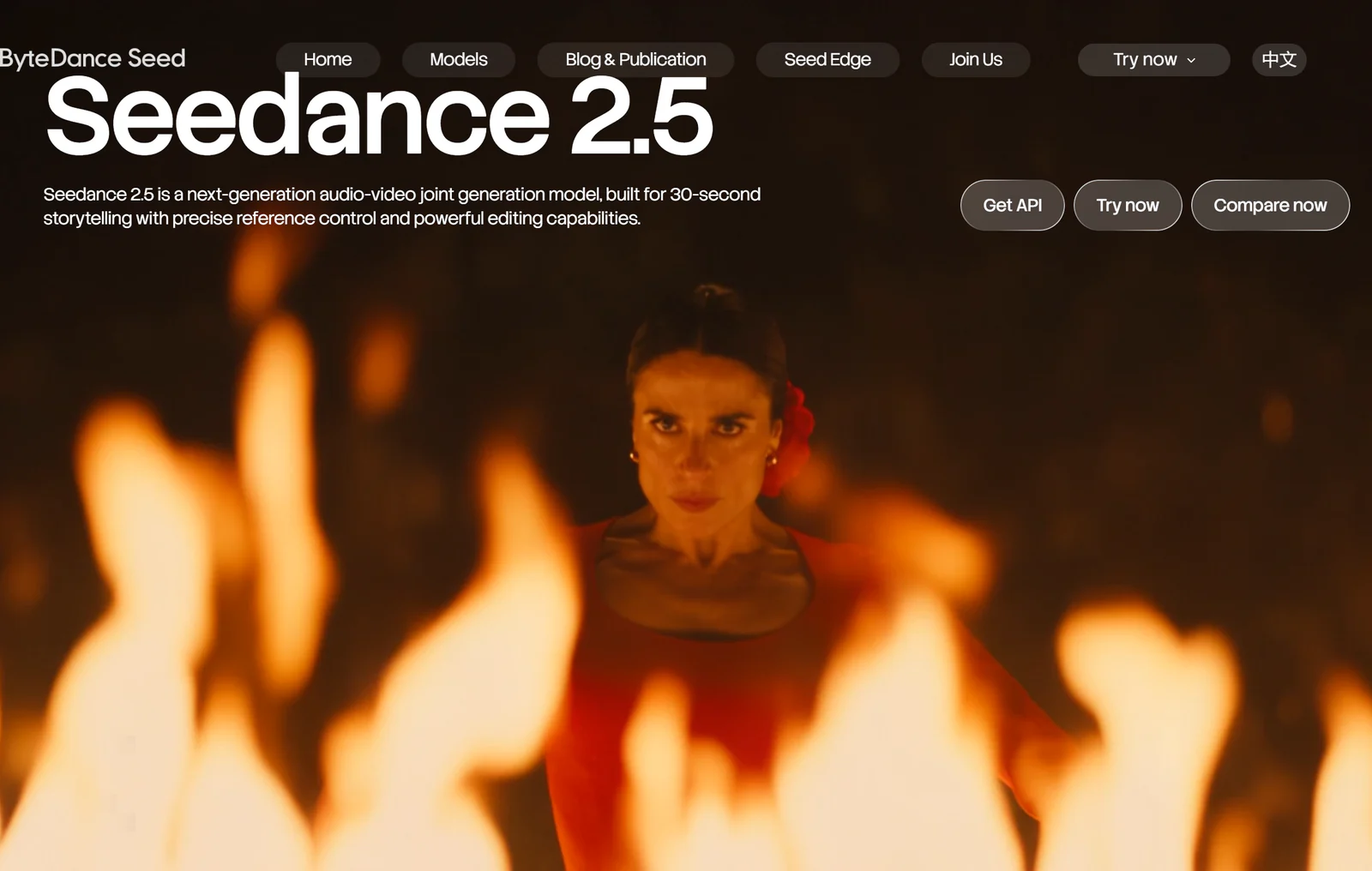
Short answer: Seedance 2.5 is ByteDance's video model that generates up to 30 seconds of video with synchronized audio in a single pass, accepts up to 50 reference files, and lets you edit one region of a finished clip without regenerating the rest. It launched on July 31, 2026, and at launch it renders at 480p or 720p. You can use it in ByteDance's own apps (Dreamina, CapCut) or through APIs such as BytePlus ModelArk.
Seedance 2.0 already set the bar for realistic motion earlier this year. Version 2.5 is less about prettier frames and more about control: longer takes, more references, and fixing a shot instead of rerolling it. Below are the nine things that matter if you plan to make social videos with it.
1. It makes 30-second clips in one generation
The headline change is length. Seedance 2.5 generates up to 30 seconds in a single pass, and ByteDance's own page says you can extend a clip twice for longer stories. Seedance 2.0 topped out at about 15 seconds, so a full TikTok, Reel or Short used to mean stitching shots together.
One continuous take matters more than it sounds. Stitched clips drift: a character's face changes slightly, the light jumps, the camera move restarts. A single 30-second take keeps the same performance and lighting from the first frame to the last.
2. Resolution is 480p or 720p (not 4K)
The June announcement talked about much higher resolutions, but at launch the model renders at 480p or 720p. That is fine for phones, where most short-form video is watched, but it is worth knowing before you plan a big-screen project. Many creators generate at 720p and upscale afterwards.
3. Up to 50 references: images, video and audio
You can feed Seedance 2.5 up to 50 multimodal references in one job, up from 12 in Seedance 2.0. In practice you tag each one with a role:
- Character identity: several photos of the same person or mascot from different angles
- Product: clean shots of the item that must look exactly right
- Style or palette: a frame from a look you want to match
- Camera or motion: a short video showing the move you want
- Voice or music: an audio clip to guide the sound
More references is not automatically better. Five sharp, consistent photos of a character beat thirty mixed ones.
4. Audio is generated with the video
Seedance 2.5 creates dialogue, music, sound effects and lip-sync in the same pass as the picture, with support for more than ten languages. For social content this removes a whole step: no separate voice tool, no manual syncing. Check lip-sync closely on fast speech, and keep important lines short.
5. Local editing fixes one detail without a reroll
This is the feature professionals care about most. If a 30-second take is perfect except for one thing (the wrong jacket color, a logo that came out blurry, a background sign), you can edit just that region. The performance, camera and lighting stay as they were. Before this, one bad detail meant regenerating the whole clip and hoping the good parts came back.
6. Pro tools: white-model previews, green screen and camera control
ByteDance positions 2.5 for real production work:
- White-model (3D blocking) control: rough out positions and camera moves with simple shapes before rendering the final look
- Green-screen editing: separate the subject from the background for compositing
- Camera direction: pans, dollies, orbits and focus pulls you can describe and control
7. Where you can use Seedance 2.5
| Where | Best for | Notes |
|---|---|---|
| Dreamina | Creators who want a simple web app | ByteDance's creative app |
| CapCut | Editing and posting in one place | Availability varies by region |
| BytePlus ModelArk / Volcano Engine | Developers and businesses | Official API |
| Third-party API hubs | Teams already using one provider | Prices vary by reseller |
Availability has rolled out in stages by region, so if you do not see it in an app yet, the API route is usually the first to work.
8. What it costs
ByteDance prices the API by seconds of video and resolution. As one example, the API reseller Apiframe lists Seedance 2.5 at about $0.15 per second at 480p and $0.34 per second at 720p, billed only for successful generations. A full 30-second 720p clip therefore costs roughly $10 at the API level, before any app or service markup. Consumer apps charge in their own credits instead.
9. Prompts that work better
Seedance 2.5 understands film language, so write like a director, not like a search query:
- Start with the shot: "Handheld medium shot, slow push in" sets the camera before anything else.
- One action per beat: describe what happens at the start, middle and end of the 30 seconds.
- Name the references: "use reference 1 for her face, reference 4 for the jacket".
- Say what must not change: "keep the logo text exactly as in reference 6".
- Keep dialogue short: one or two lines per character lip-syncs far more cleanly.
The easier route: recreate a viral clip without prompting
A lot of what people want from Seedance is not a brand-new scene. It is "this exact viral video, but with my character, my product or my outfit". That is motion transfer, and it does not need a 300-word prompt.
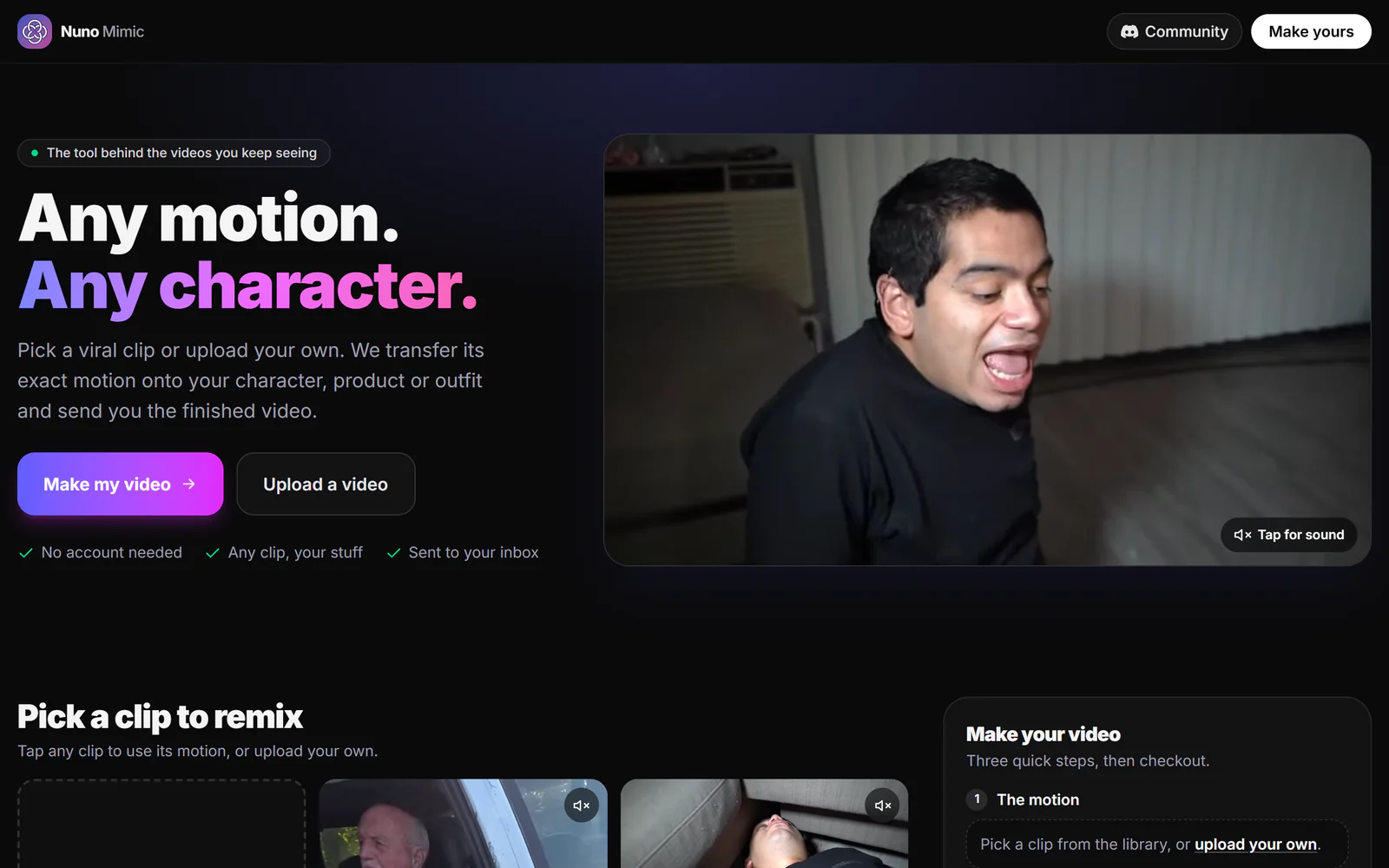
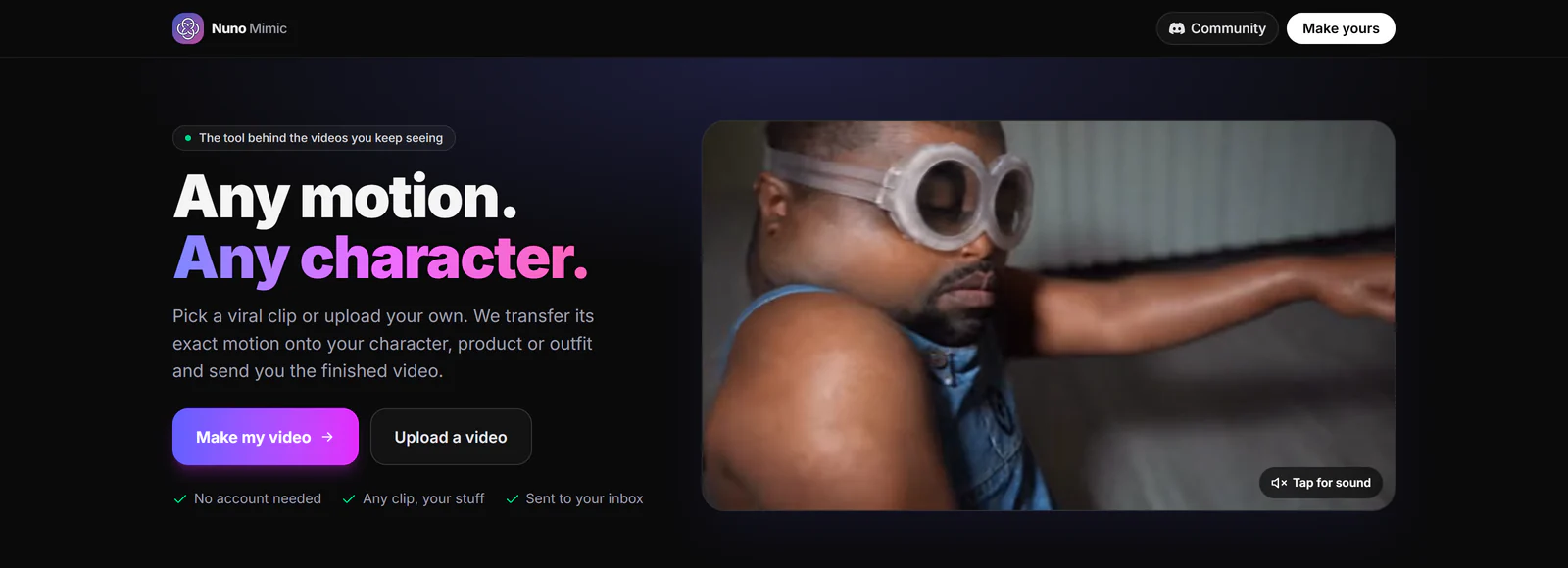
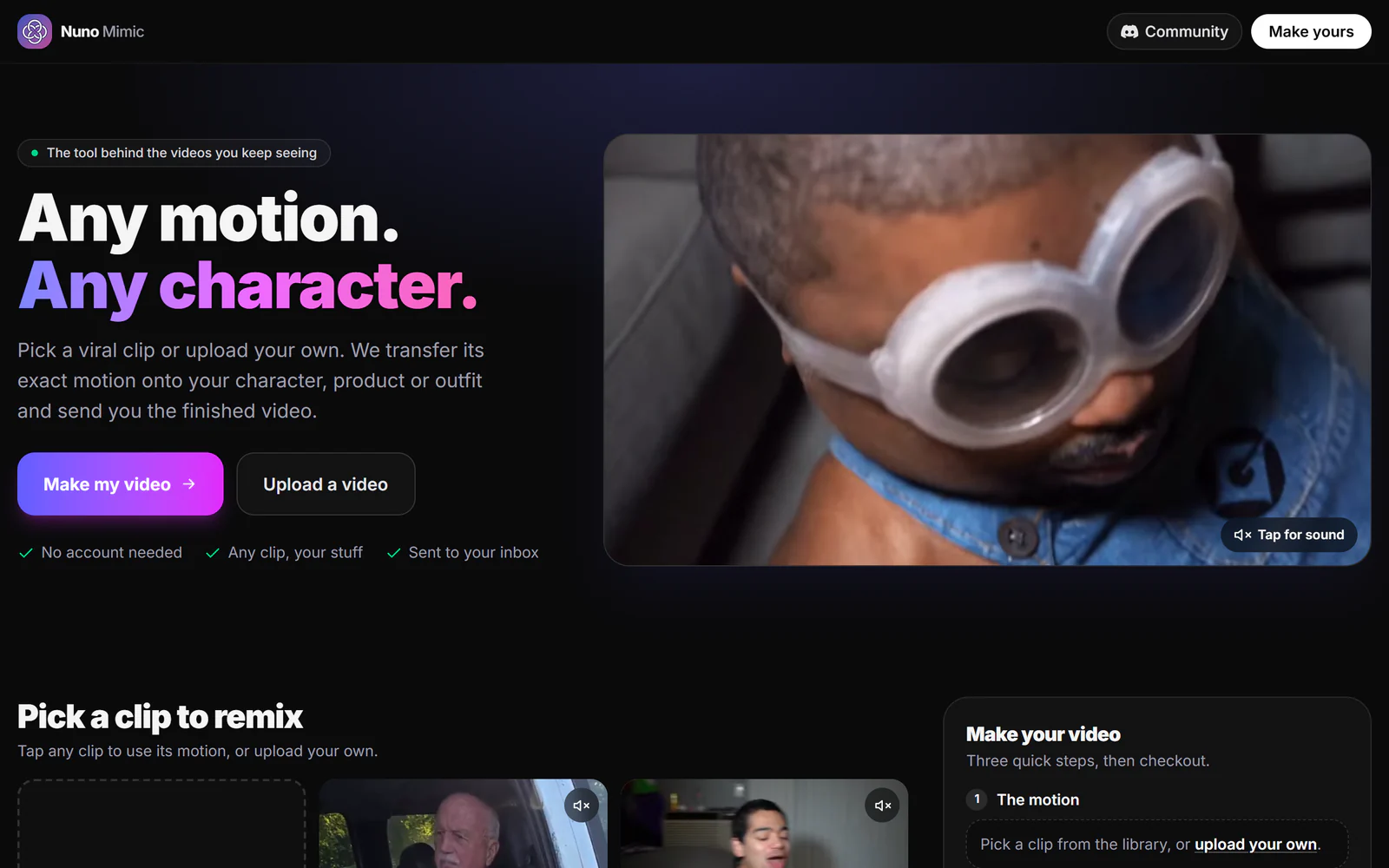
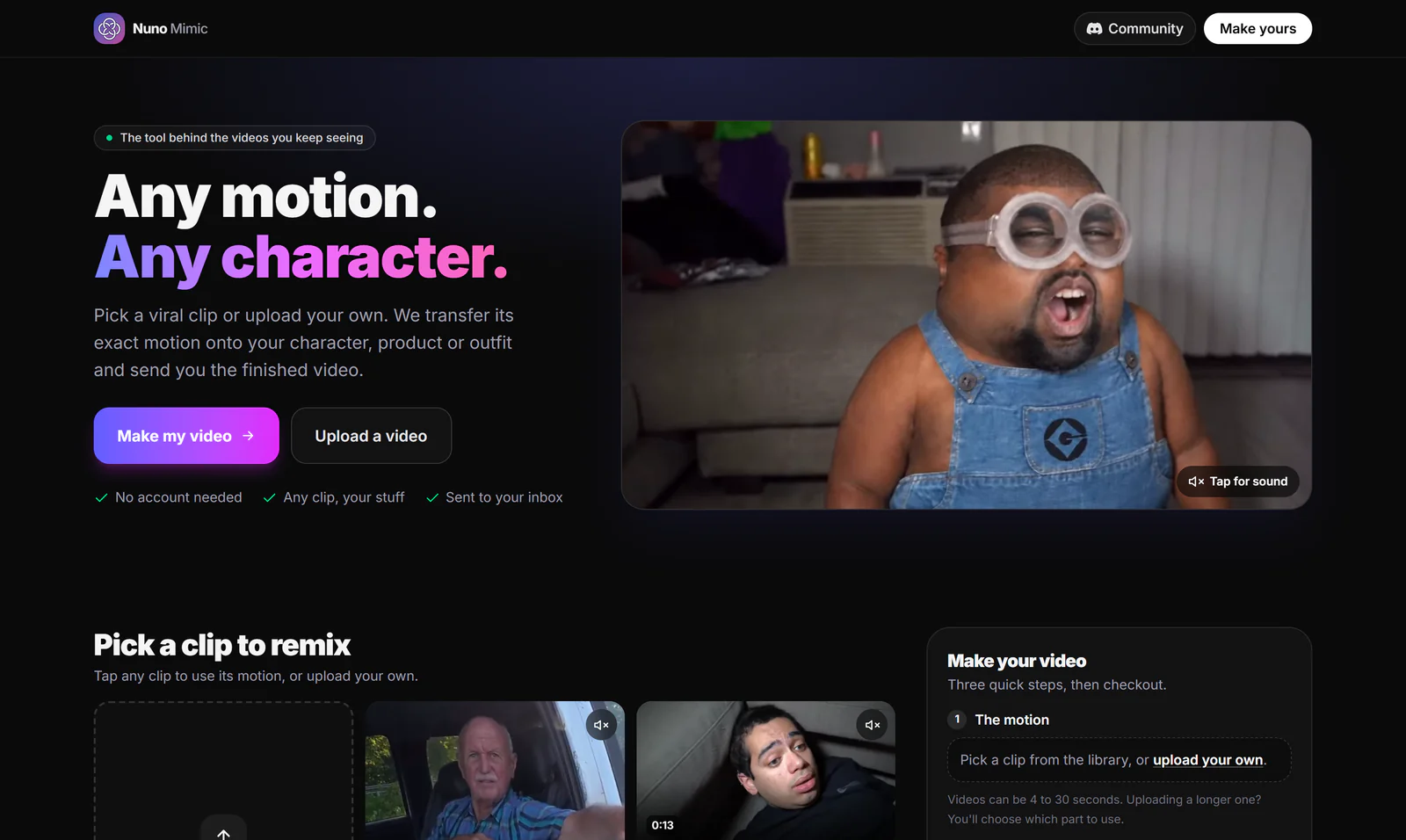
Disclosure: Nuno Mimic is our product. You pick a trending clip from the library (or upload your own, 4 to 30 seconds), add photos of who or what should be in it, choose 480p, 720p or 1080p, and our team makes the video and emails it to you. No account, no prompts, no credits to manage. Try Nuno Mimic.
Seedance 2.5 vs Seedance 2.0 at a glance
| Seedance 2.0 | Seedance 2.5 | |
|---|---|---|
| Max length per generation | About 15 seconds | 30 seconds (extendable twice) |
| References | Up to 12 | Up to 50 |
| Native audio | Yes | Yes, more languages |
| Local region editing | No | Yes |
| Resolution tiers | 720p and 1080p | 480p or 720p at launch |
Sources
- Seedance 2.5 official page, ByteDance Seed
- Seedance 2.5: The Complete Guide, Apiframe
- Seedance 2.5: ByteDance's 30-Second AI Video Model, Digital Applied
- Seedance 2.0, Wikipedia
Facts checked October 5, 2026. AI video tools change fast; we update this page when they do.
Frequently asked questions
When was Seedance 2.5 released?+
ByteDance announced Seedance 2.5 on June 23, 2026 and launched it on July 31, 2026, with access rolling out by region and platform.
How long can a Seedance 2.5 video be?+
Up to 30 seconds in a single generation, and ByteDance says a clip can be extended twice for longer stories.
What resolution does Seedance 2.5 support?+
At launch it renders at 480p or 720p. Higher resolutions mentioned at the announcement did not ship at launch.
How much does Seedance 2.5 cost?+
API pricing is per second of video. One reseller lists about $0.15 per second at 480p and $0.34 per second at 720p. Apps like Dreamina charge in their own credits.
Can Seedance 2.5 put my character into a viral video?+
Yes, using a reference video and character photos, but it takes careful setup. Services like Nuno Mimic do this motion transfer for you from a library of trending clips.
Put your character in a viral video
Pick a trending clip or upload your own, add photos of your character, product or outfit, and we make the video for you. No account, no prompts.
Try Nuno Mimic →