Top Tool That Schedule Instagram Posts While You Sleep
By Nuno AI Team · Updated · 4 min read
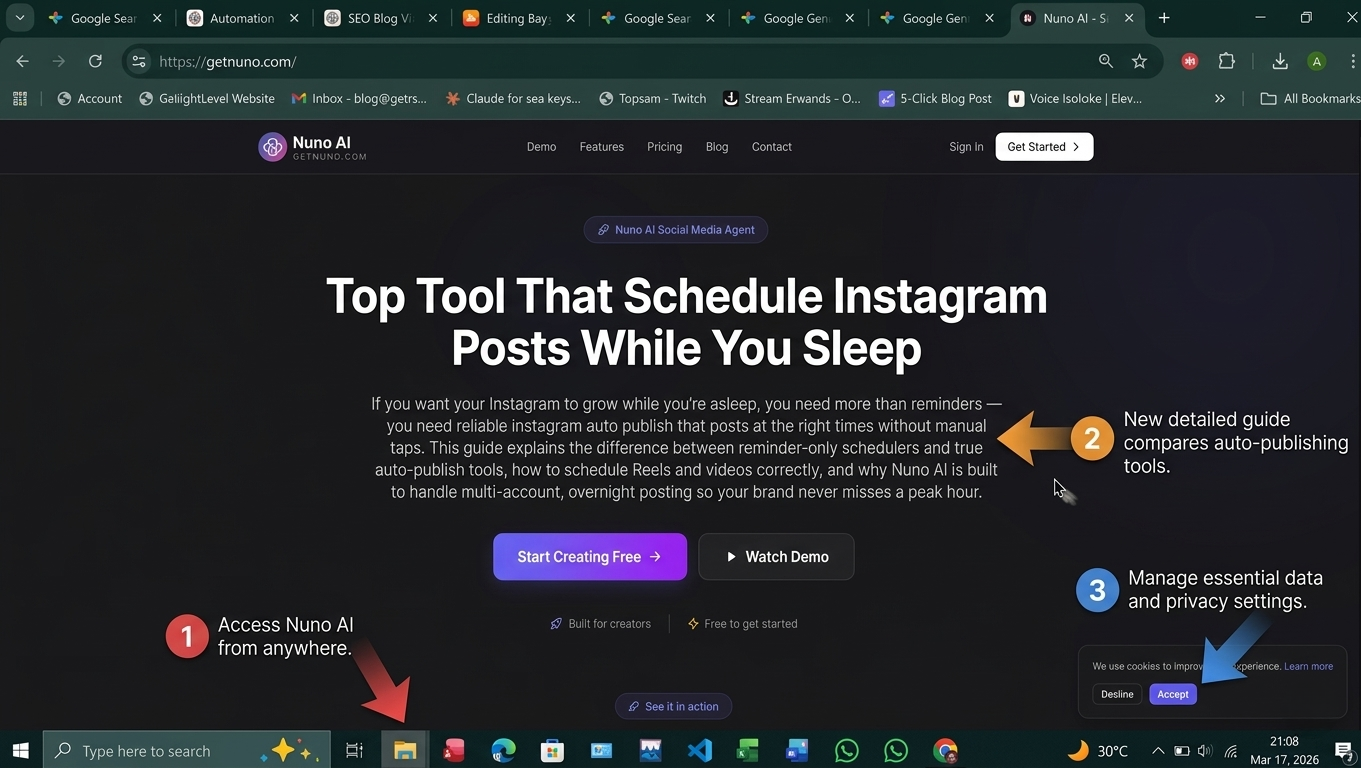
If you want your Instagram to grow while you’re asleep, you need more than reminders — you need reliable instagram auto publish that posts at the right times without manual taps. This guide explains the difference between reminder-only schedulers and true auto-publish tools, how to schedule Reels and videos correctly, and why Nuno AI is built to handle multi-account, overnight posting so your brand never misses a peak hour.
Why scheduling Instagram posts overnight works for growth
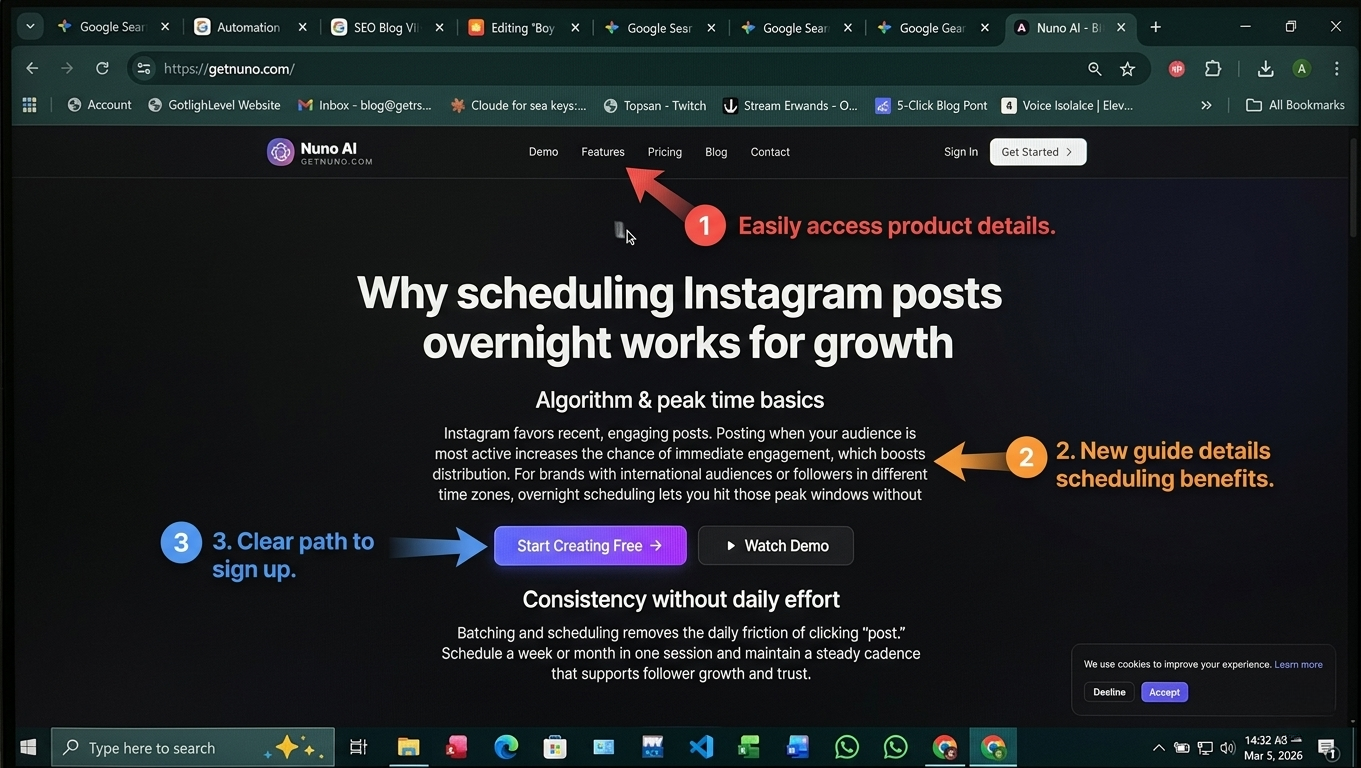
Algorithm & peak time basics
Instagram favors recent, engaging posts. Posting when your audience is most active increases the chance of immediate engagement, which boosts distribution. For brands with international audiences or followers in different time zones, overnight scheduling lets you hit those peak windows without being online.
Consistency without daily effort
Batching and scheduling removes the daily friction of clicking “post.” Schedule a week or month in one session and maintain a steady cadence that supports follower growth and trust.
Reminder-based schedulers vs true instagram auto publish
When you need a push-notification tool
Some apps only send a push to your phone at publish time. You still open Instagram and manually finish the post. These options are fine for solo creators who prefer final manual checks or when the API restricts auto-publishing for certain content types.
When you need fully automated publishing
If you manage multiple accounts, run campaigns, or want true overnight posting, choose a scheduler that supports instagram auto publish for feed posts and (where API permits) Reels and videos. Automated publishing saves time and eliminates missed posts due to notifications you might ignore.
Top schedulers to consider (quick comparison)
Native: Meta Business Suite — free, reliable for many business accounts (good starting point).
Third-party options (each listed once for clarity):
Buffer — simple interface, scheduling & analytics.
Hootsuite — enterprise features, team workflows.
Later — strong visual grid and Reels support.
Each tool varies by Reels/video auto-publish support, multi-account features, and price — read docs to confirm current capabilities.
Why choose Nuno AI for overnight posting
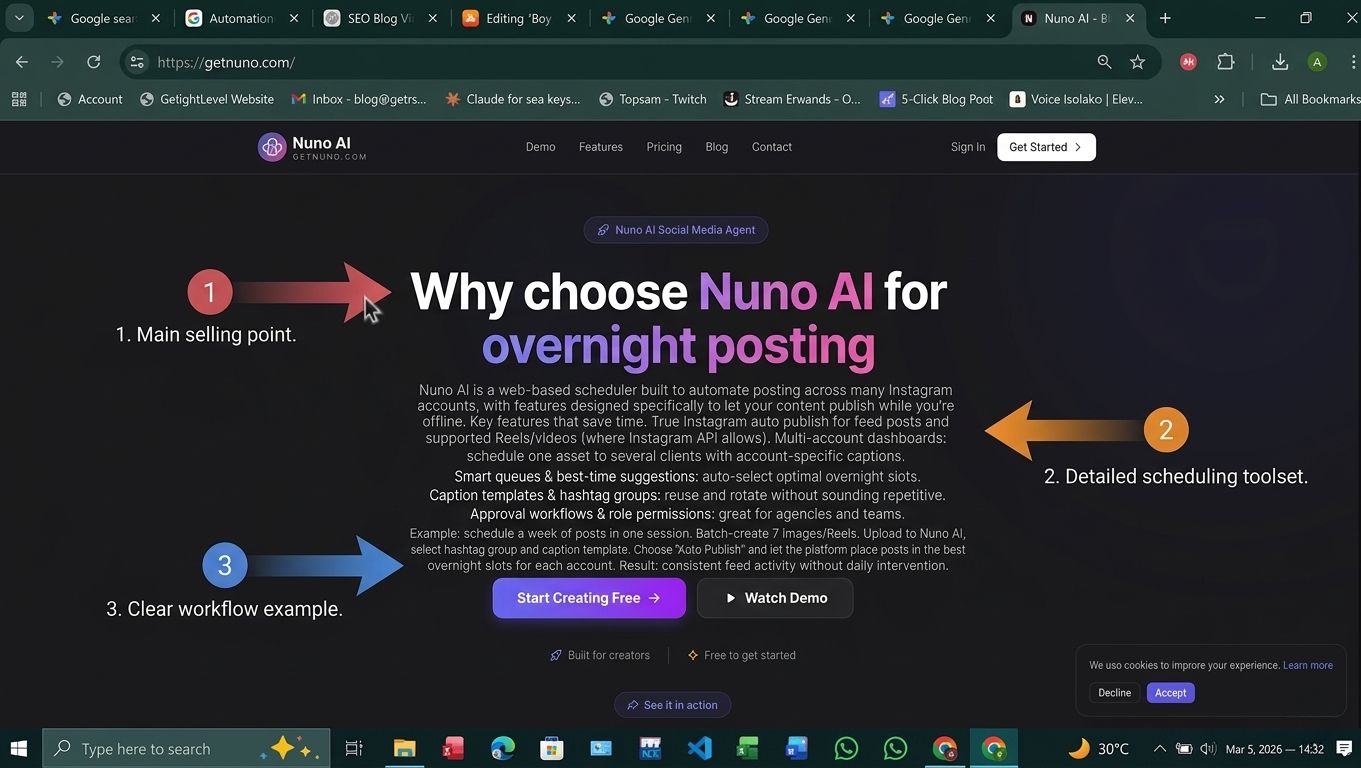
Nuno AI is a web-based scheduler built to automate posting across many Instagram accounts, with features designed specifically to let your content publish while you’re offline.
Key features that save time
True instagram auto publish for feed posts and supported Reels/videos (where Instagram API allows).
Multi-account dashboards: schedule one asset to several clients with account-specific captions.
Smart queues & best-time suggestions: auto-select optimal overnight slots.
Caption templates & hashtag groups: reuse and rotate without sounding repetitive.
Approval workflows & role permissions: great for agencies and teams.
Example: schedule a week of posts in one session
Batch-create 7 images/Reels.
Upload to Nuno AI, select saved hashtag group and caption template.
Choose “Auto Publish” and let the platform place posts in the best overnight slots for each account.
Result: consistent feed activity without daily intervention.
Best practices for scheduling Reels and videos to auto post
Use vertical 9:16 files (1080×1920 recommended).
Add subtitles — many viewers watch muted.
Upload a custom cover image and preview mobile crop.
Keep the first 2–3 seconds hooky to maximize view-through.
Rotate hashtag groups; don’t reuse the exact set on every post.
For time-sensitive content, use reminders rather than far-out auto-publishing.
Quick 12-point overnight scheduling checklist
Use a Business/Creator account.
Link Instagram to a Facebook Page (if required).
Confirm tool supports instagram auto publish for your content type.
Prepare vertical video/Reel files with subtitles.
Create caption templates and rotating hashtag groups.
Preview mobile crops and grid.
Set best-time windows per account (local time).
Enable multi-account localization tokens (city, pricing).
Add team approver or scheduled review for promos.
Schedule engagement blocks after publish times.
Monitor analytics first 48 hours and iterate.
Keep a 7–21 day review window for time-sensitive content.
Final Conclusion :
Scheduling is the single best productivity hack for consistent Instagram growth but only if you pick the right tool. If you need overnight, hands-off posting across multiple accounts, choose a scheduler that offers instagram auto publish, multi-account queues, and Reels/video support. Start a free trial with Nuno AI to batch and auto-publish your next week of content , sleep well while your feed works for you.
FAQ's:
Q1: Can I schedule Instagram posts to publish automatically while I sleep?
A1: Yes — with a Business or Creator account and a scheduler that supports instagram auto publish, you can set posts (including many Reels/videos) to publish without manual intervention.
Q2: Do I need a specific file format for auto-publishing Reels?
A2: Use vertical 9:16 video (1080×1920), add subtitles (SRT or burned-in) and a custom cover to ensure correct preview and higher engagement.
Q3: What’s the difference between reminder schedulers and auto-publish tools?
A3: Reminder schedulers send a push for you to finish posting; auto-publish tools post automatically at the scheduled time. Choose based on team size and content type.
Q4: Will scheduled posts hurt engagement?
A4: No — scheduled posts perform similarly to live posts if timed well and followed by engagement (replies, stories, interactions). Quality and timing matter most.
Q5: How does Nuno AI help manage multiple accounts overnight?
A5: Nuno AI provides multi-account dashboards, templates, queues, and best-time optimization so you can batch content and auto-publish across accounts without manual reposting.
Put your character in a viral video
Pick a trending clip or upload your own, add photos of your character, product or outfit, and we make the video for you. No account, no prompts.
Try Nuno Mimic →