Keep Your Feed Consistent (Auto-Post)
By Nuno AI Team · Updated · 4 min read
A consistent Instagram feed isn’t just pretty , it’s strategic. Posting regularly at optimized times trains the algorithm, builds audience expectations, and reinforces your brand voice. The problem for busy businesses and social managers: manual posting is slow, error-prone, and hard to sustain. That’s where schedule Instagram posts and reliable instagram auto publish workflows step in , they turn daily grind into a single weekly session and keep your feed steady without the stress.
What “consistent feed” really means for growth
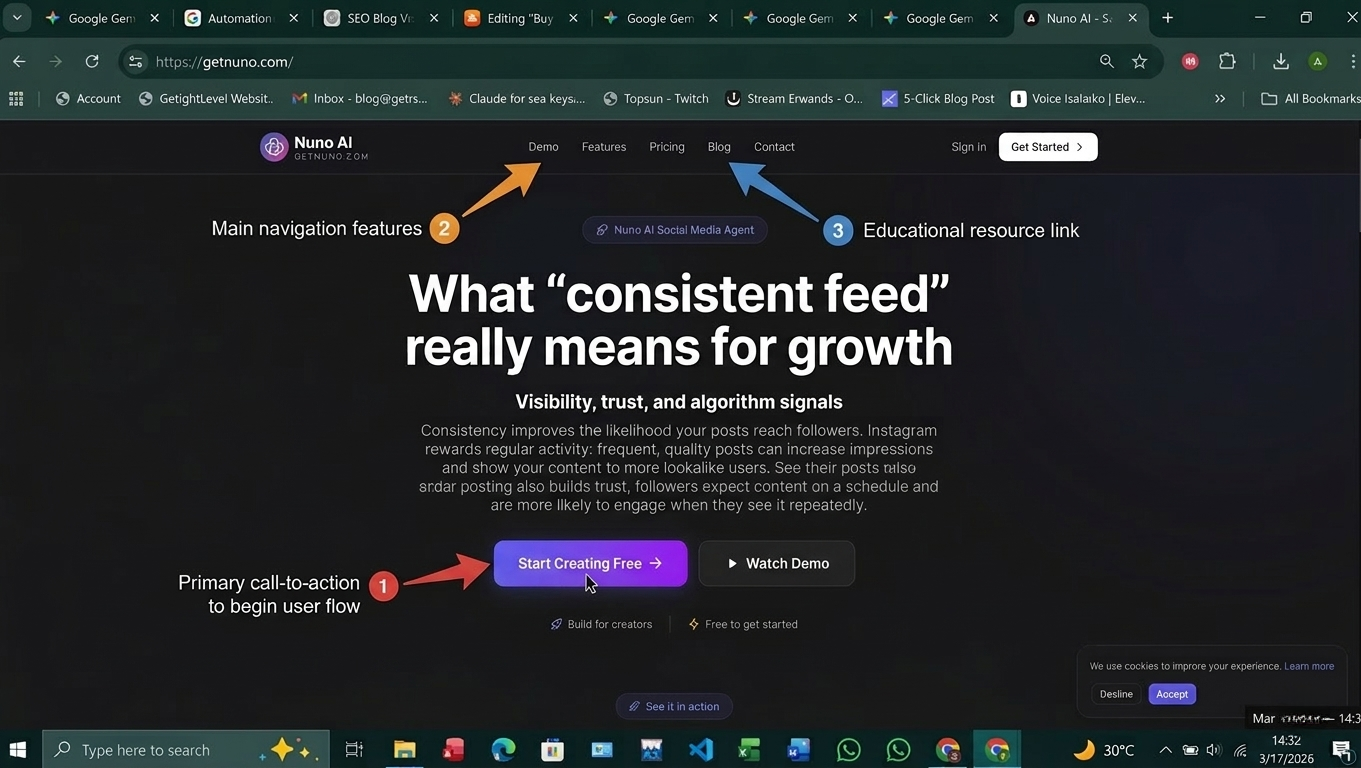
Visibility, trust, and algorithm signals
Consistency improves the likelihood your posts reach followers. Instagram rewards regular activity: frequent, quality posts can increase impressions and show your content to more lookalike users. Regular posting also builds trust , followers expect content on a schedule and are more likely to engage when they see it repeatedly.
Common consistency mistakes to avoid
Random posting times with long gaps between posts.
Overloading one day and disappearing for a week.
Mismatched visuals across posts that confuse brand identity.
Auto-posting solves many of these by enforcing cadence and visual rules.
How auto-posting (schedule instagram posts) fixes the problem
Batch work and predictable cadence
When you schedule Instagram posts, you shift from reactive to proactive. Create content in batches (images, captions, hashtag groups) and queue them in one sitting. That single effort keeps your feed moving for days or weeks , no daily interruptions needed.
Scheduling Reels, videos, and carousels correctly
Not all content types behave the same. Reels and videos need vertical formats, captions, and strong opening seconds. A proper scheduler that supports instagram auto publish lets you:
Upload vertical video files and set captions/cover images.
Schedule carousels with correct crop previews.
Assign different posting times per content type to maximize reach.
Quick setup: enable instagram auto publish with Nuno AI
Note: Nuno AI is a web-based tool built to auto-post, schedule Reels and videos, and manage multiple Instagram accounts from one dashboard.
Account requirements & permissions
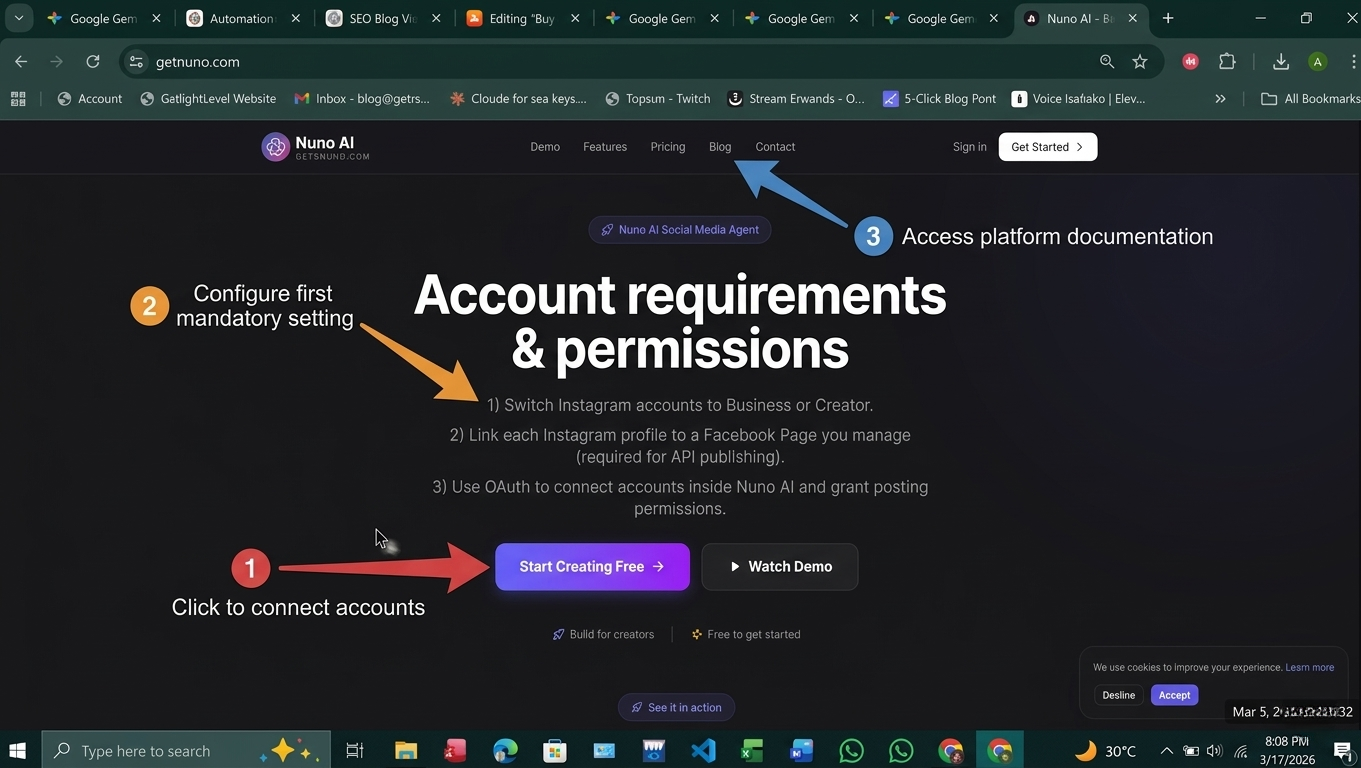
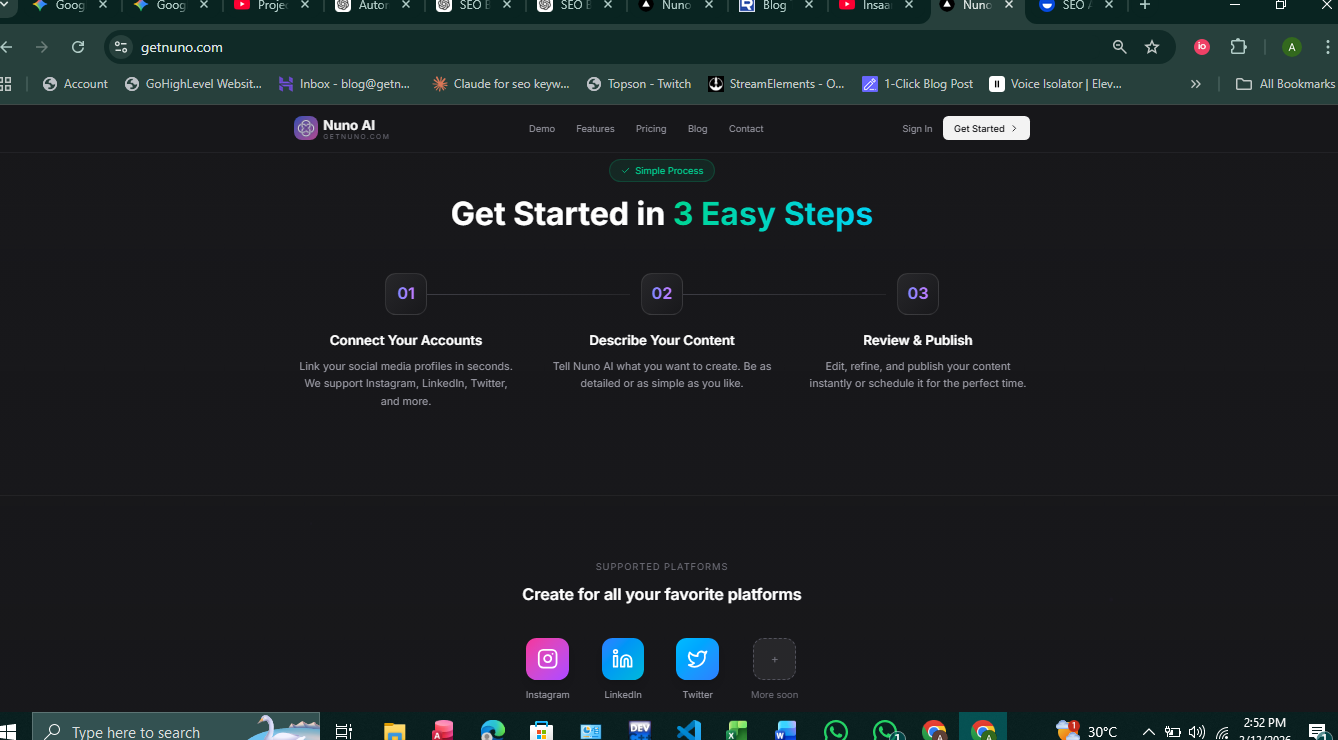
1) Switch Instagram accounts to Business or Creator.
2) Link each Instagram profile to a Facebook Page you manage (required for API publishing).
3) Use OAuth to connect accounts inside Nuno AI and grant posting permissions.
Onboarding checklist (multi-account tips)
Add all client/accounts to Nuno AI and verify each connection.
Create brand templates: caption snippets, hashtag groups, and cover image rules.
Set posting windows per account (e.g., 9 AM–11 AM local time).
Enable instagram auto publish for supported content types.
This setup ensures Nuno AI can publish posts automatically where Instagram APIs allow , removing push-notification steps and saving time.
Workflow examples that keep your visual brand cohesive
Weekly batching template
Monday: Plan theme + select 5 images/reels.
Tuesday: Draft captions & attach hashtag groups.
Wednesday: Design cover images and preview carousels.
Thursday: Upload to Nuno AI, assign times, enable auto-publish.
Friday: Monitor first 48-hour performance and tweak.
Multi-account templates & localization
Use a single creative asset and duplicate it across accounts in Nuno AI, then localize captions (language, local offers) without re-uploading media. This preserves visual consistency while letting each account speak to its audience.
Measuring consistency: KPIs to track in Nuno AI
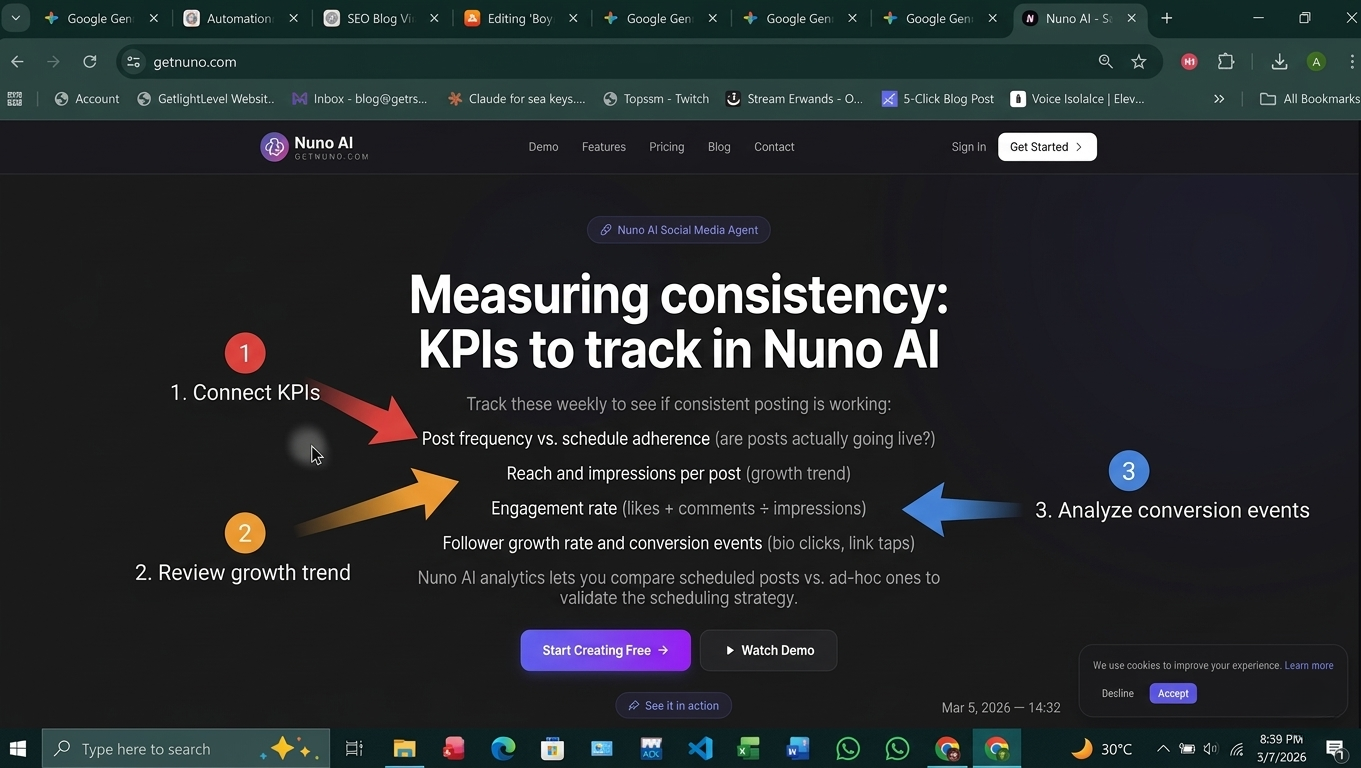
Track these weekly to see if consistent posting is working:
Post frequency vs. schedule adherence (are posts actually going live?)
Reach and impressions per post (growth trend)
Engagement rate (likes + comments ÷ impressions)
Follower growth rate and conversion events (bio clicks, link taps)
Nuno AI analytics lets you compare scheduled posts vs. ad-hoc ones to validate the scheduling strategy.
Final checklist :
Switch to Business/Creator profiles and link to Facebook Pages.
Create brand templates (captions, hashtags, cover images).
Batch content and schedule Instagram posts using Nuno AI.
Enable instagram auto publish for supported posts (feed, select Reels/videos).
Track KPIs and iterate weekly.
Consistency is the compound interest of social media: small, steady deposits (posts) lead to big growth. Ready to stop stressing about daily posting? Try Nuno AI’s scheduling and auto-publish features , batch a week of content today and keep your feed consistent all month.
FAQ's :
Q1: What’s the difference between scheduling and auto-publishing?
Scheduling is setting a time for a post to go live; auto-publishing means the scheduler publishes the post automatically at that time (no phone tap required). Some tools only send reminders , those are scheduling-only.
Q2: Will Instagram mark auto-posted content as lower priority?
No — Instagram’s algorithm evaluates engagement signals, not whether a post was auto-published. Quality and timing matter more than the publish method.
Q3: Can I schedule Stories the same way as feed posts?
Stories often require extra steps (stickers, polls) and may need manual confirmation depending on the tool. Nuno AI supports story reminders and scheduled assets for easy posting.
Q4: How often should I post to maintain consistency?
Consistency is relative for many small businesses, 3–5 feed posts + 2–4 Reels per week is a sustainable starting point. Test and adjust based on engagement.
Q5: Does Nuno AI support multi-account publishing?
Yes , Nuno AI is designed to manage multiple accounts from one dashboard, letting you duplicate assets, localize captions, and enable auto-publish across clients.link text
Put your character in a viral video
Pick a trending clip or upload your own, add photos of your character, product or outfit, and we make the video for you. No account, no prompts.
Try Nuno Mimic →