Most Realistic AI Video Generators in 2026, Ranked by Blind Votes (and the Real-Footage Trick)
By Nuno AI Team · Updated · 6 min read
In this guide
- Which AI video generators produce the most realistic results?
- What happened to Veo 3.1, Kling 3.0, Runway Gen-4.5 and Sora?
- How are creators making realistic AI-generated videos?
- How to make AI videos look real: 8 tips
- The easiest way to get a realistic AI video: Nuno Mimic
- Which one should you use?
- Sources
Short answer: the most realistic AI video generators in October 2026, by blind human votes on the Artificial Analysis leaderboard, are Wan 3.0, Utopai X, Seedance 2.5 and MiniMax H3 for text-to-video, with MiniMax H3 Max on top for image-to-video. But the most realistic viral videos usually start from real footage: motion transfer copies real movement, so the physics look real. Nuno Mimic does that for you.
"Which AI makes the most realistic videos?" is one of the most asked AI questions of 2026, and the answer changed a lot this year. Veo 3.1 and Kling 3.0 led early in the year, Sora's app shut down in April, and a new group of models took the top spots by the autumn. Here is where things stand, and how creators actually get footage that people believe is real.
Which AI video generators produce the most realistic results?
The most reliable public ranking is the Artificial Analysis Video Arena, where people vote blind between two clips without knowing which model made them. The top of the boards as of October 10, 2026:
| Rank | Text-to-video (with audio) | Elo | Image-to-video (with audio) | Elo |
|---|---|---|---|---|
| 1 | Wan 3.0 (Alibaba) | 1156 | MiniMax H3 Max | 1195 |
| 2 | Utopai X (Utopai Studios) | 1149 | MiniMax H3 | 1181 |
| 3 | Seedance 2.5 (ByteDance) | 1143 | Vidu Q4 Preview | 1179 |
| 4 | MiniMax H3 | 1137 | Gemini Omni Flash (Google) | 1178 |
| 5 | MiniMax H3 Max | 1130 | Seedance 2.0 720p (ByteDance) | 1176 |
| 6 | FLUX 3 (Black Forest Labs) | 1128 | HiDream-O1-Video-1.0 | 1175 |
| 7 | Seedance 2.0 (ByteDance) | 1116 | Wan 3.0 (Alibaba) | 1164 |
| 8 | Gemini Omni Flash 1.1 (Google) | 1113 | HappyHorse-1.1 (Alibaba-ATH) | 1104 |
Two things to keep in mind. First, the gaps at the top are small, a few Elo points, so the top five are close to a tie and the order changes month to month. Second, these boards rank clips made from a prompt or a single image. They do not measure the format most viral AI videos use: copying the motion of a real video.
What happened to Veo 3.1, Kling 3.0, Runway Gen-4.5 and Sora?
- Google Veo 3.1 was the realism pick for much of the year, praised for physics, light and camera movement that look filmed. It is still widely used through Google Flow, which reportedly gives 50 free credits a day, but newer models, including Google's own Gemini Omni Flash, now sit above it on the blind-vote boards. Like Sora, Veo creates new scenes; it cannot copy the motion of an existing video onto your character.
- Kling 3.0 launched in February 2026. It is no longer at the top of the text-to-video boards, but its Motion Control feature, which copies a real 3 to 30 second video onto a character, is one of the most popular tools for viral character videos.
- Runway Gen-4.5 is known more for camera control than raw realism. Runway's strength for realism is its editing tools: Aleph 2.0 for changing real footage and Act-Two for performance capture.
- Seedance 2.0 and 2.5 from ByteDance are near the top on realism, but access is limited: Seedance 2.5 rolled out by region to subscriber accounts, and ByteDance apps block reference uploads that contain real human faces.
- Sora: it made impressive new scenes but never did motion transfer from an existing video. OpenAI shut down the Sora app on April 26, 2026, and scheduled the API to end on September 24, 2026.
If you want a deeper look at one model, see our Seedance 2.5 guide.
How are creators making realistic AI-generated videos?
The creators getting the "wait, is this real?" comments mostly are not prompting from scratch. They use one of these three methods:
- Motion transfer from real footage. Take a real video, keep its exact movement, and swap the person for a new character. Because the motion, timing and camera are real, the physics hold up. This is how most viral dance and meme swaps are made.
- Editing real footage. Video-to-video tools like Runway Aleph or Higgsfield Genjutsu change one element, such as a person, outfit or object, and keep the rest of the shot exactly as filmed.
- Performance capture. Record yourself acting, then let a tool like Runway Act-Two map your face, body and hands onto a character.
Prompt-only generation is best for scenes that cannot be filmed: fake movie trailers, impossible physics, fantasy worlds. For "a real-looking person doing a real-looking thing", starting from real footage wins almost every time.
How to make AI videos look real: 8 tips
- Start from a real clip when you can. Real motion beats generated motion.
- Use clear, well-lit reference photos. Front-facing, sharp, with at least one full-body shot. Blurry references produce blurry faces.
- Match the framing. If the source video is a full-body shot, give a full-body reference.
- Avoid the known failure points: fast spins, hands crossing the face, people leaving the frame, and text on signs.
- Keep it short. 8 to 15 seconds is easier to get right than 30.
- Choose 1080p for faces. Faces and skin texture benefit most from higher resolution.
- Keep the original sound. Real audio makes viewers trust the image more.
- Check every frame of the face. One bad second on a head turn is what gives an AI video away.
The easiest way to get a realistic AI video: Nuno Mimic
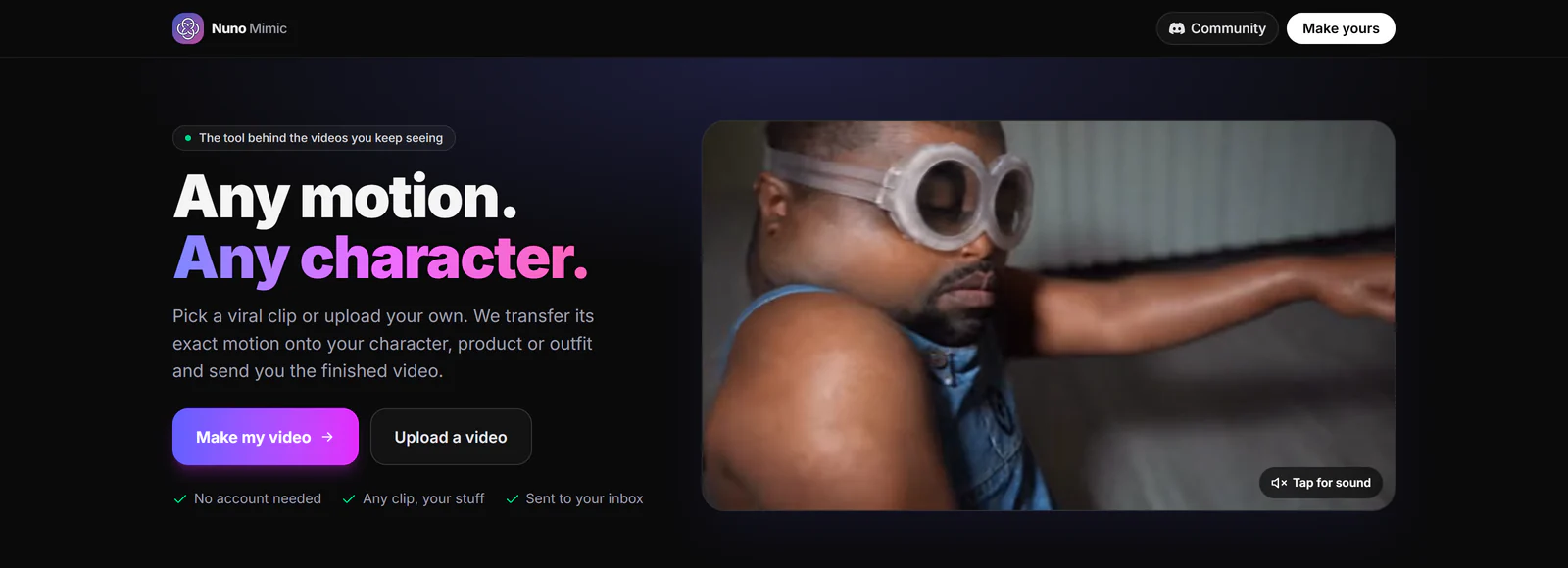
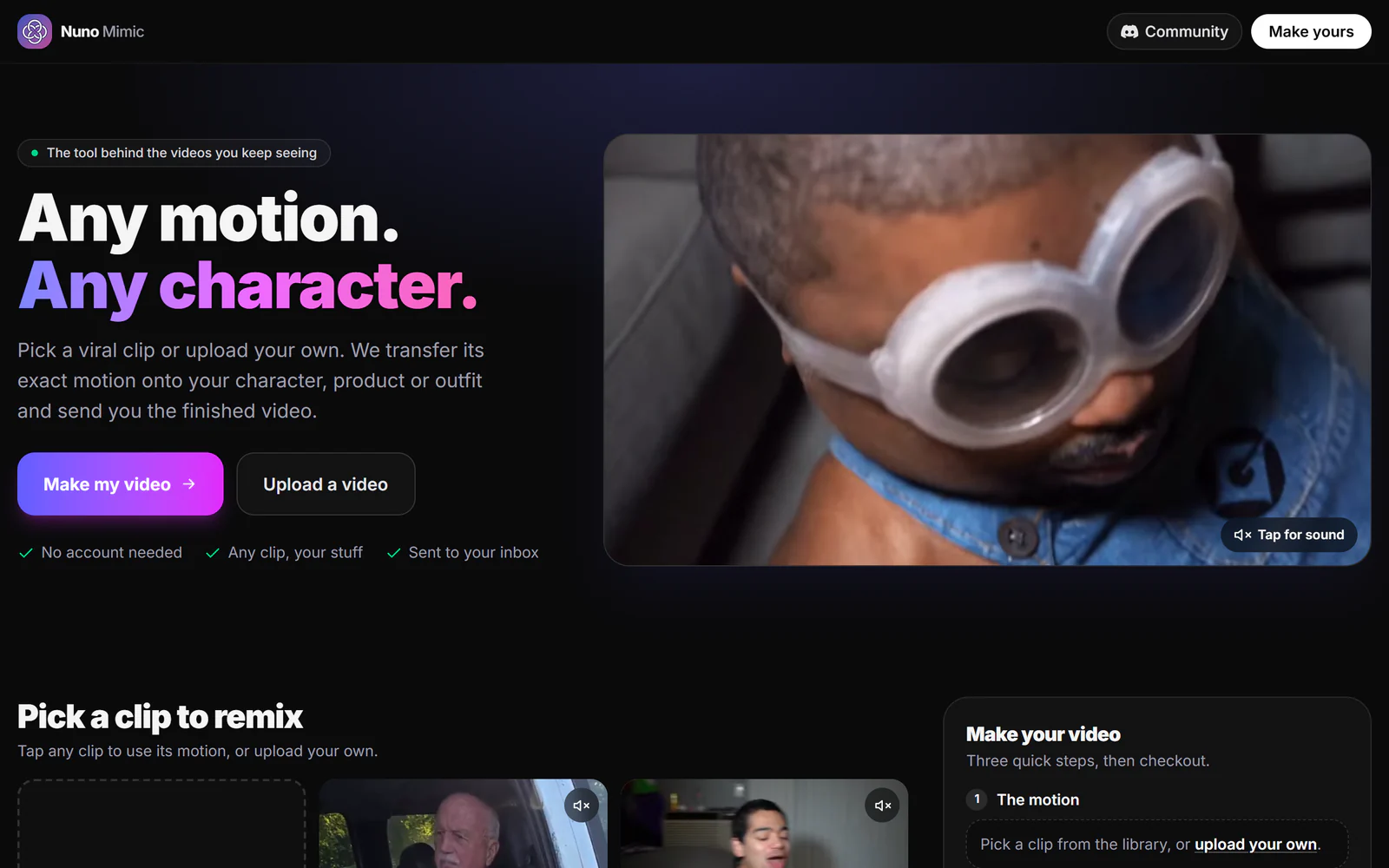
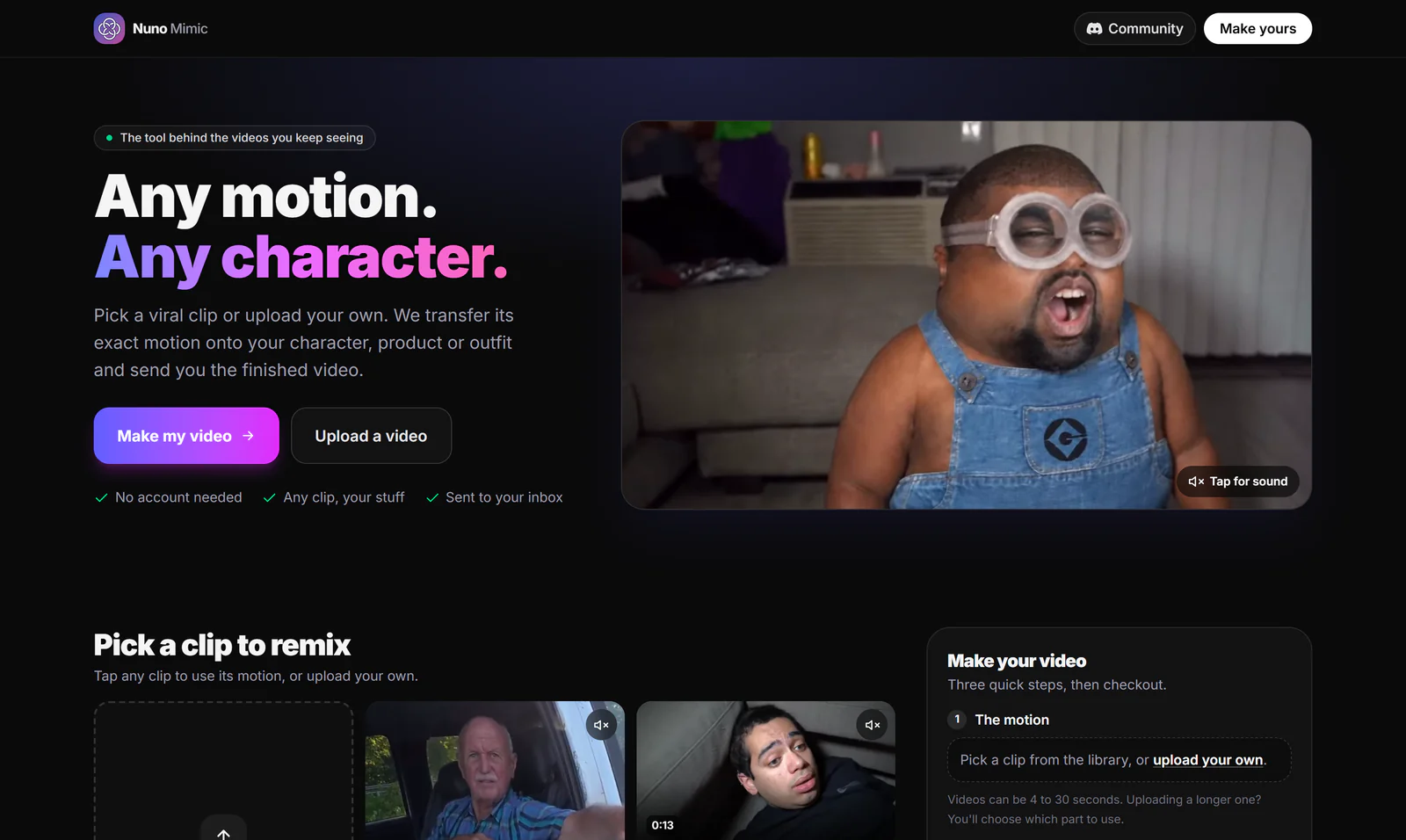
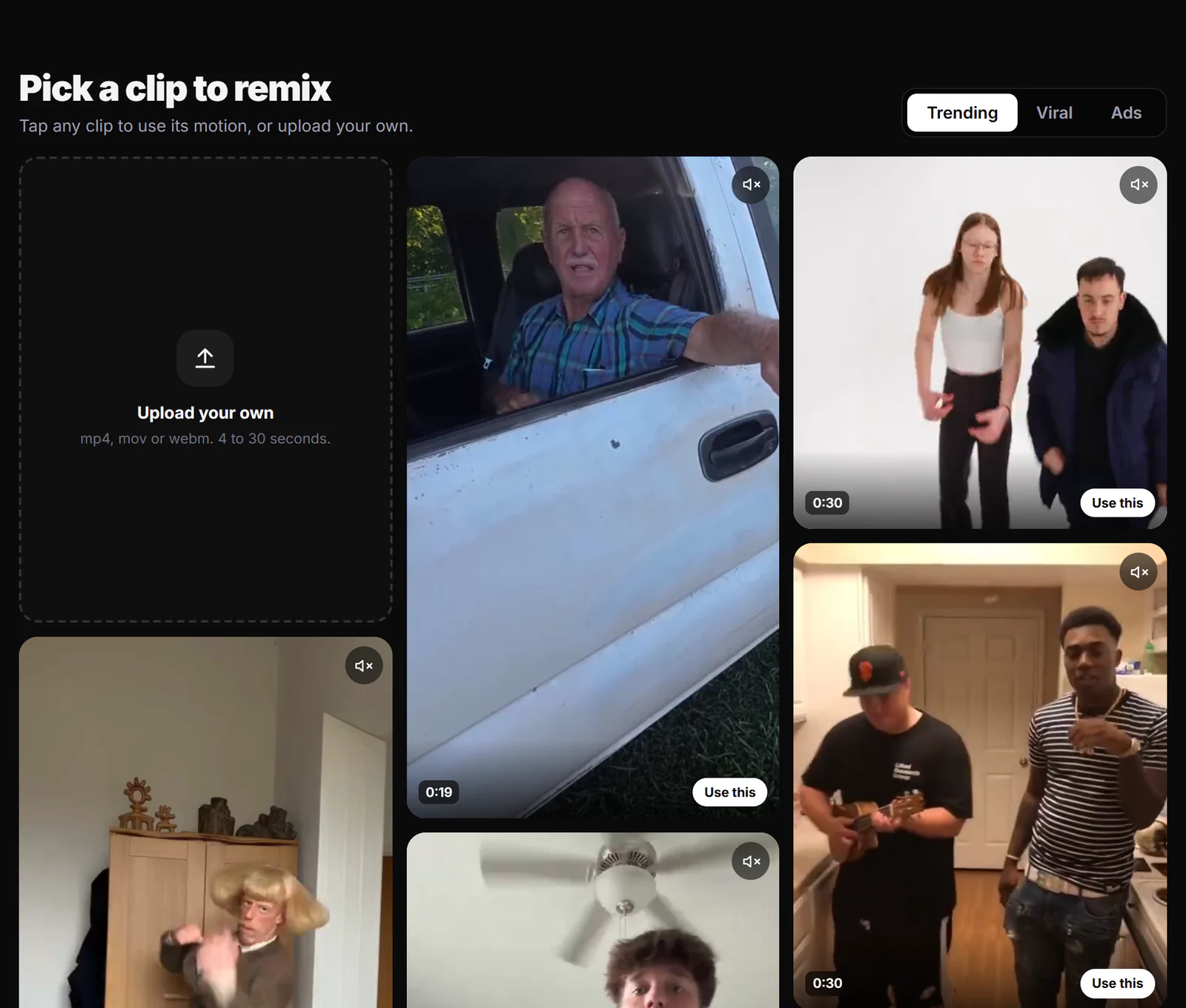
Nuno Mimic is our own done-for-you motion transfer service. It is built on the method that looks most real: you pick a real viral clip from the library or upload your own, add photos of your character, product or outfit, and our team transfers the motion, checks the result and emails you the video.
- No prompts, no model choice, no settings. We pick the setup for each clip.
- A person checks every video. Faces that drift or hands that break are fixed before you see them.
- Pay once per finished video. No account and no subscription. Short 480p clips start at $1.49, and at the time of writing new visitors get 50% off 720p and 1080p for a limited time.
- Money-back guarantee: your first purchase is covered by our 30-day money-back guarantee (conditions apply).
Make a realistic AI video with Nuno Mimic.
Which one should you use?
- A brand new scene from a prompt: pick from the top of the leaderboard that you can access, such as Wan 3.0, Seedance 2.5 (if available in your region) or Google's models through Flow.
- Animate a photo: the image-to-video leaders, MiniMax H3 and Gemini Omni Flash.
- Your character doing a real viral motion: motion transfer, yourself with Kling Motion Control, or done for you with Nuno Mimic. We compare those tools in the 5 best AI tools to replace a character in a video.
Sources
- Artificial Analysis text-to-video leaderboard
- Artificial Analysis image-to-video leaderboard
- OpenAI's Sora app is shutting down, TechCrunch
- Sora (text-to-video model), Wikipedia
- Kling AI product overview (kling.ai/llms.txt)
- Seedance 2.5 launch, Dreamina
- Runway pricing and models
- Google Flow pricing and free credits, CostGoat
Facts checked October 10, 2026. Leaderboards change monthly; check the live boards for the latest order.
Frequently asked questions
What is the most realistic AI video generator in 2026?+
On the Artificial Analysis blind-vote leaderboard in October 2026, Wan 3.0, Utopai X, Seedance 2.5 and MiniMax H3 lead text-to-video, and MiniMax H3 Max leads image-to-video. The gaps at the top are small and change monthly.
Is Veo 3.1 still the most realistic AI video model?+
Veo 3.1 was a realism leader early in 2026 and is still widely used through Google Flow, but newer models, including Google Gemini Omni Flash, now rank above it in blind votes.
Is Sora still available?+
No. OpenAI shut down the Sora app on April 26, 2026, and scheduled the Sora API to end on September 24, 2026.
How do creators make AI videos look so real?+
Most start from real footage. Motion transfer copies the movement of a real video onto a new character, so the physics and timing are real. Done-for-you services like Nuno Mimic do this for you and check the result before delivery.
What is the easiest way to make a realistic AI video of my character?+
Use motion transfer from a real clip. With Nuno Mimic you pick a viral clip or upload your own, add photos of your character, and the team makes and checks the video. You pay once per finished video with no account.
Put your character in a viral video
Pick a trending clip or upload your own, add photos of your character, product or outfit, and we make the video for you. No account, no prompts.
Try Nuno Mimic →